For Bands & Venues
The gig advance, on one shared link
Advancing a show means confirming all the logistics before the date: load-in and soundcheck times, set lengths, backline, hospitality, guest list, and who to call at the door. BANDANA turns that email thread into a single gig page that the venue and every band on the bill can read and contribute to, so nobody is working from a stale forward. After bands add their bios and photos, you can generate a ticket link in a click or two.
Log in or Create Account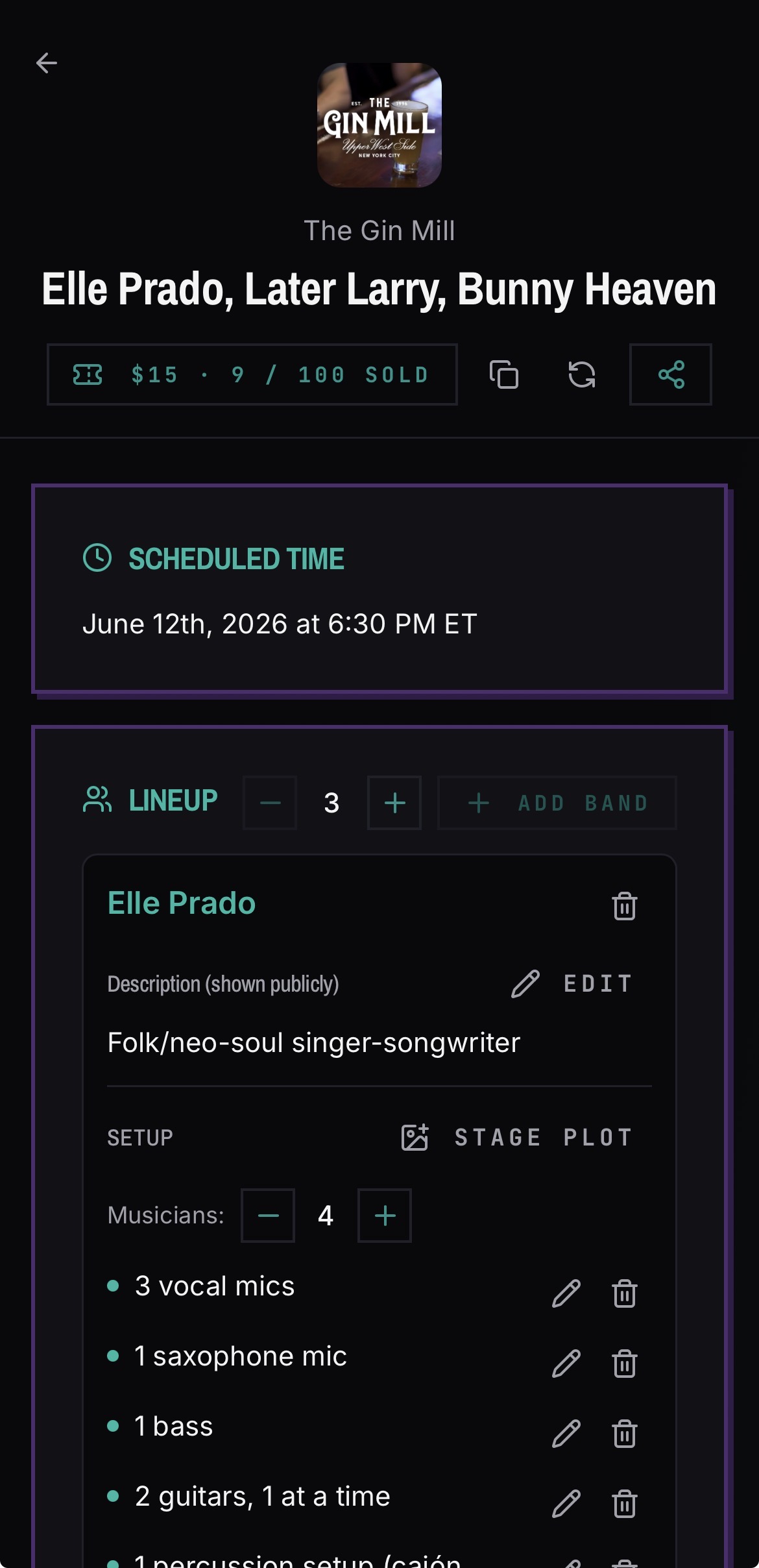
What goes on a gig page?
Everything both sides need on show day, in one place that stays current.
- Run of show with set times in five-minute increments
- Load-in, soundcheck, doors and set lengths
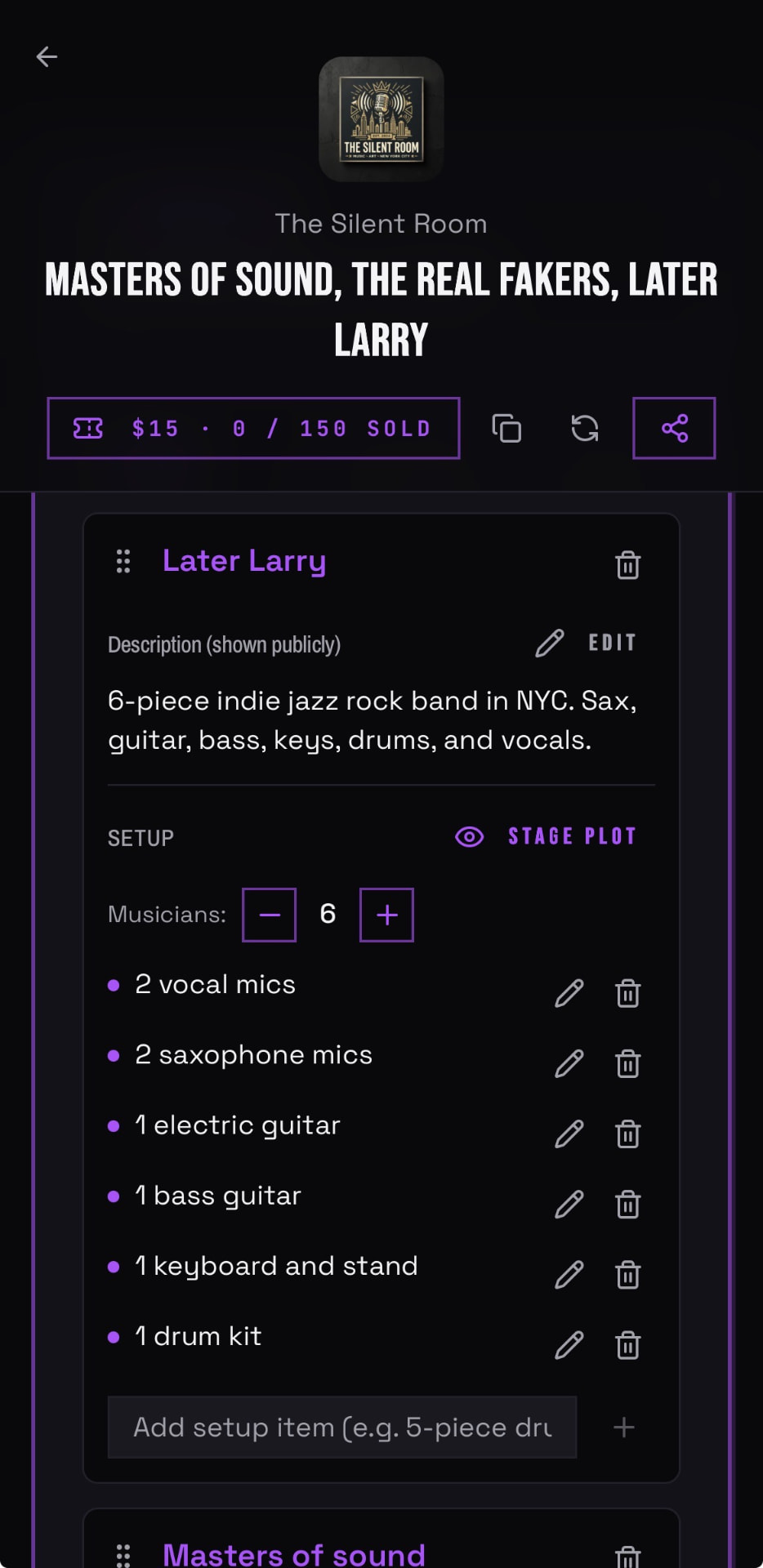
- Backline and venue-supplied gear
- Band bios and lineup details for the listing
- Photos and posters submitted by the bands, with one chosen as the ticket hero image
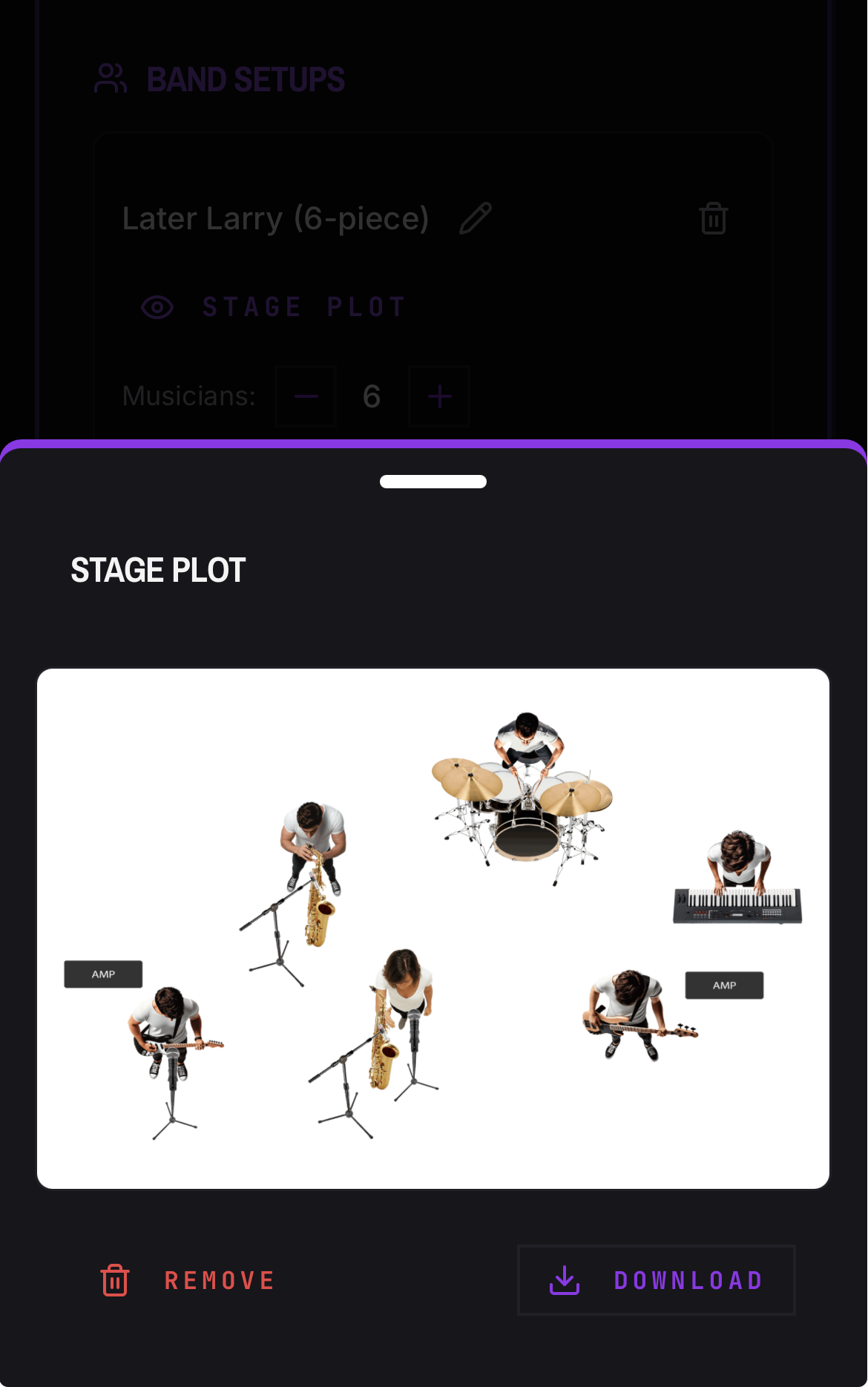
- Stage plots and band setups
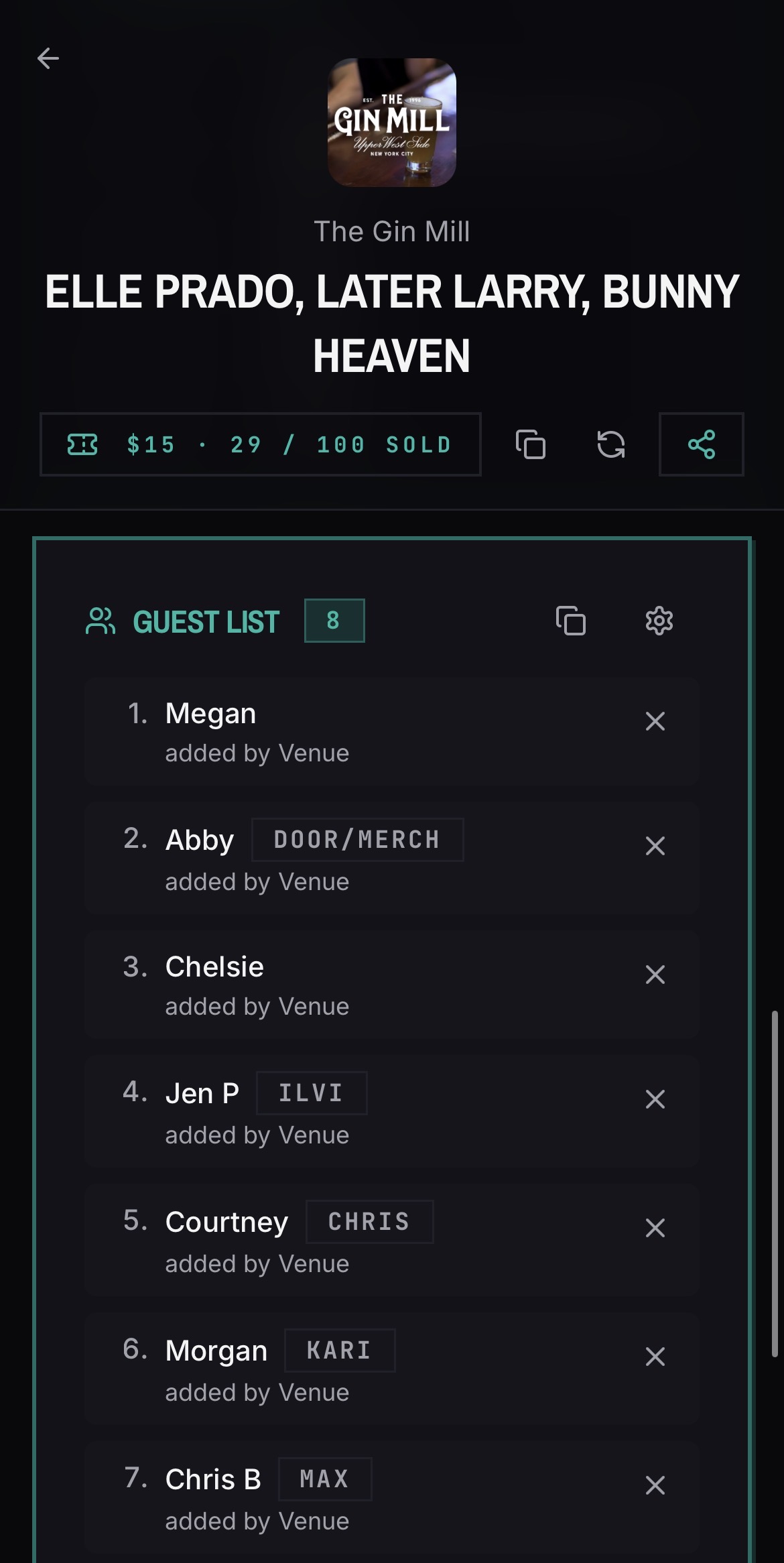
- Guest lists with a per-band allocation
How do guest lists work?
The venue sets a total guest limit and BANDANA divides it across the bands on the bill, so each band knows its own quota. Guests are added as numbered entries the door person can reference.
Who can edit a gig page?
Venue owners have full control of events. Bands on the bill fill in their own section — bio, setup, photos, guest list — without being able to change anyone else's.
Can I share the gig details publicly?
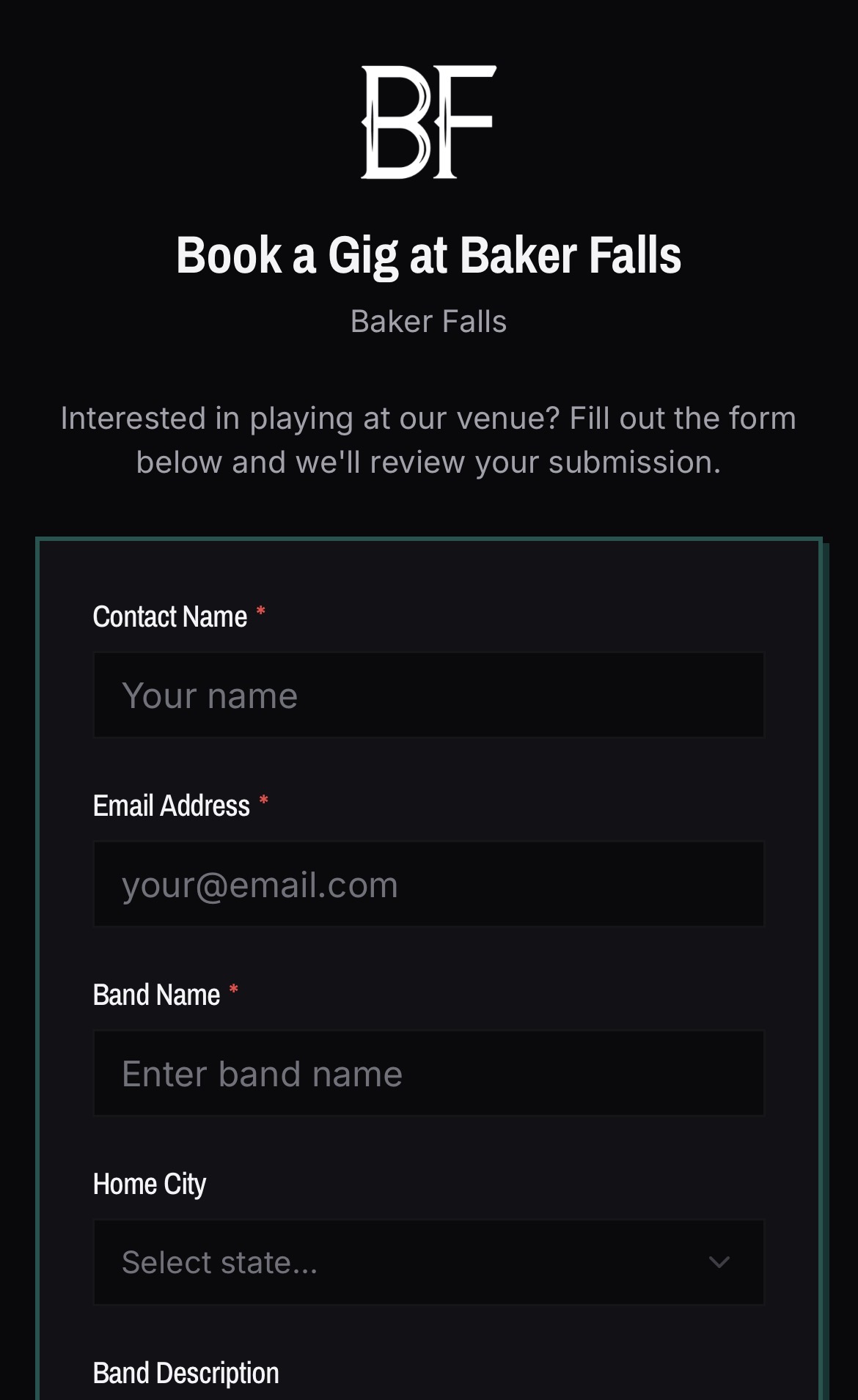
Yes. A gig has a public read-only page for anyone who is not logged in, while people with accounts land in the collaborative version. Bands can also claim their designated spot when they don't already have a BANDANA account.
Common questions
What tool helps multiple bands on one bill split guest list spots?
BANDANA does. The venue sets one total guest limit on the gig page and BANDANA divides it evenly across the bands on the bill, so each band sees and fills only its own quota. Guests are added as numbered entries the door person works from.
How can my band manage a guest list for a show?
Open the gig page for that show and add your guests to your band's allocation. The list is numbered, visible to the venue at the door, and editable up until the show — no texting names to the booker.
Best app for tracking band gigs, load-in times and set times?
BANDANA keeps load-in, soundcheck, doors, set lengths, and the full run of show on the gig page itself, shared between the venue and every band on the bill, so there is one current version instead of a forwarded email thread.
Band communication app for keeping everyone on the same page about shows?
BANDANA replaces the show-logistics group chat with a shared gig page. Band members and venue staff read the same run of show, backline, guest list, and stage plots, and it updates for everyone at once.
Do bands need an account to be on a gig page?
Bands need an account to submit their own bio, setup, photos, and guest list. Anyone can view the public read-only gig page without one, once you share it.
Can I download photos bands submit?
Yes. Event photos download on any device or browser.
See it in the app