For Bands
Rehearsal recordings, attached to the song
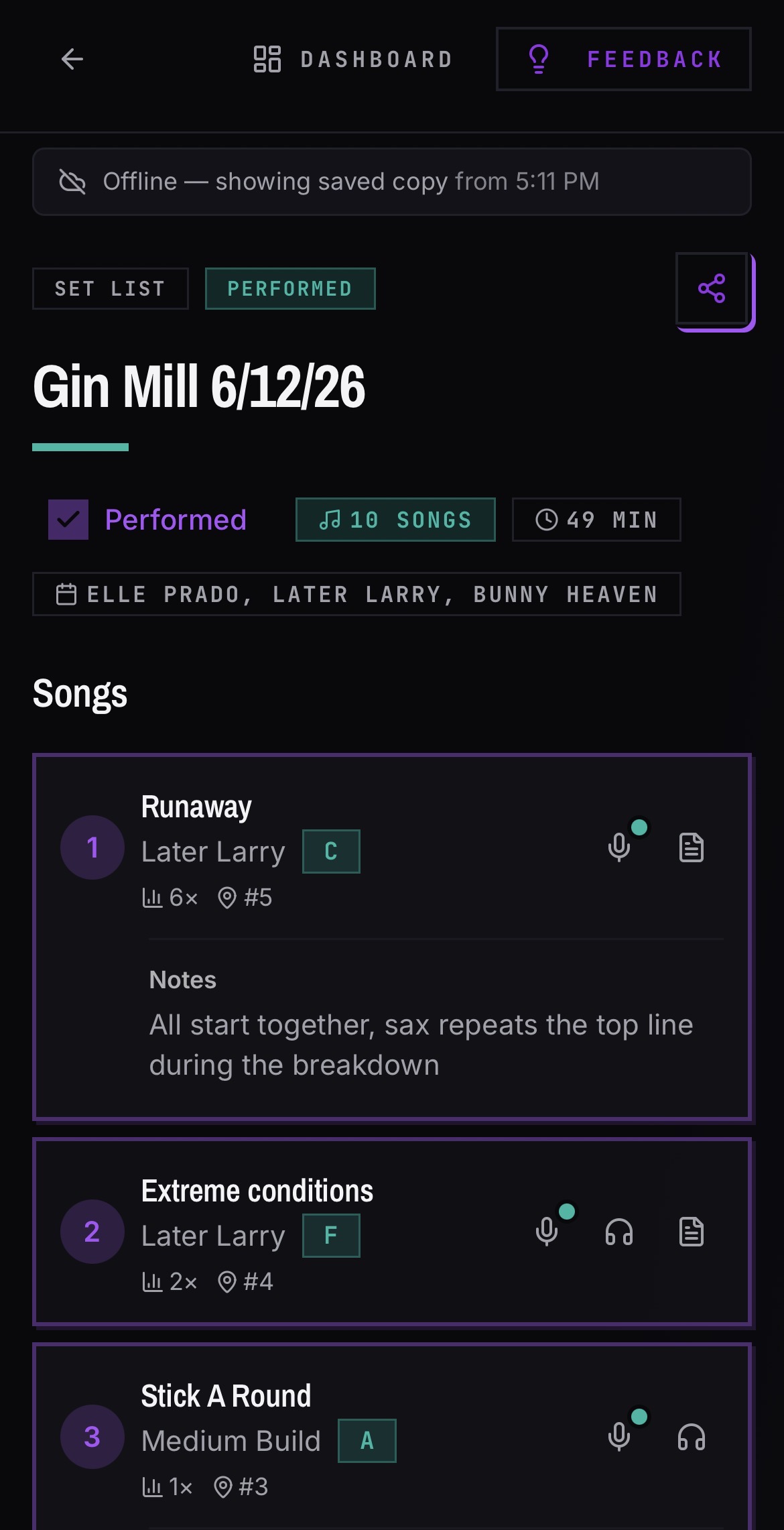
Practice recordings are rough audio from rehearsals kept so the band can review arrangements and new members can learn material. In BANDANA, recordings attach to the song they belong to, so a sub opening your set list can hear how your band actually plays each tune instead of hunting through a shared drive of voice memos.
Log in or Create Account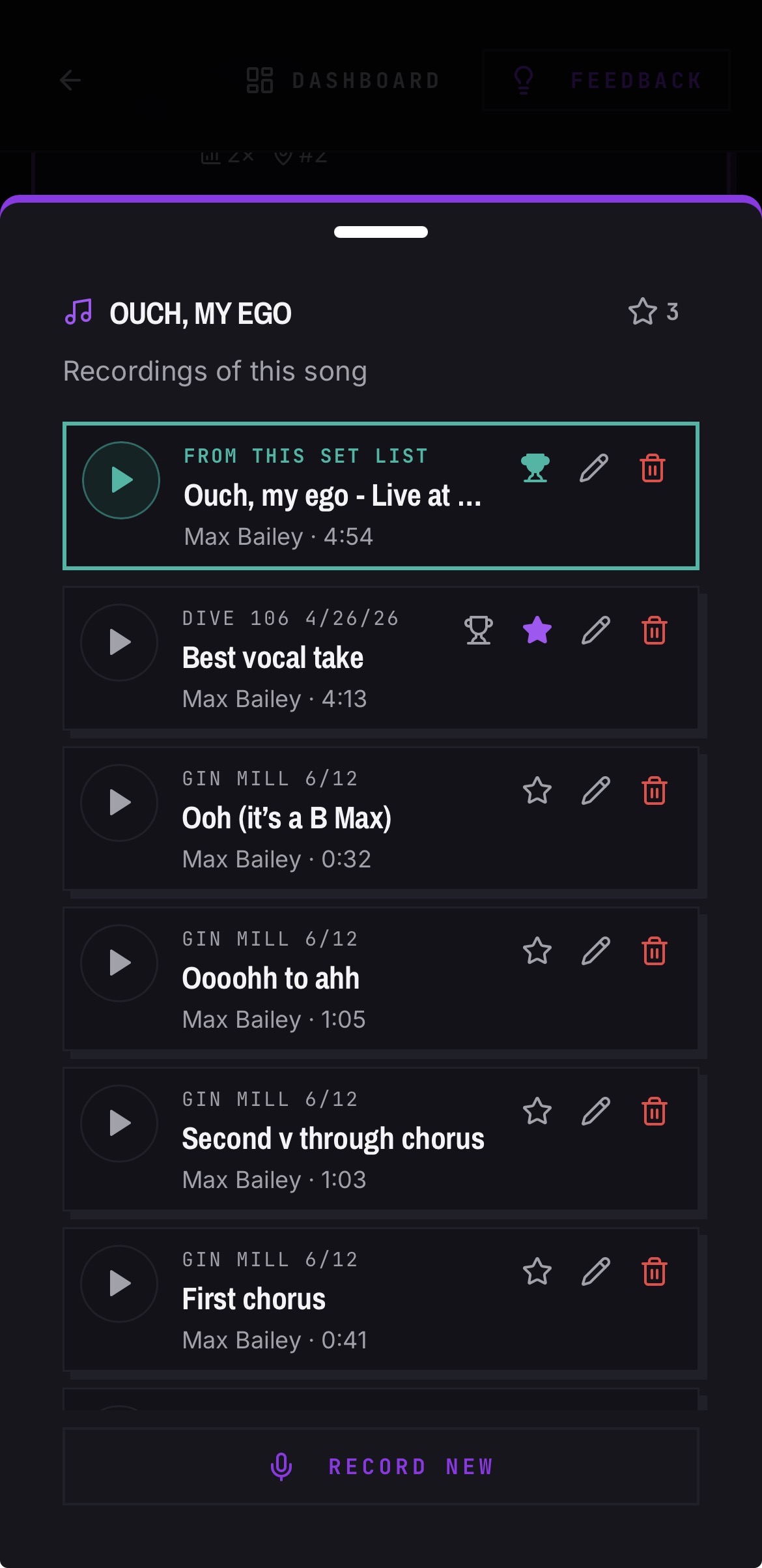
How do band recordings work in BANDANA?
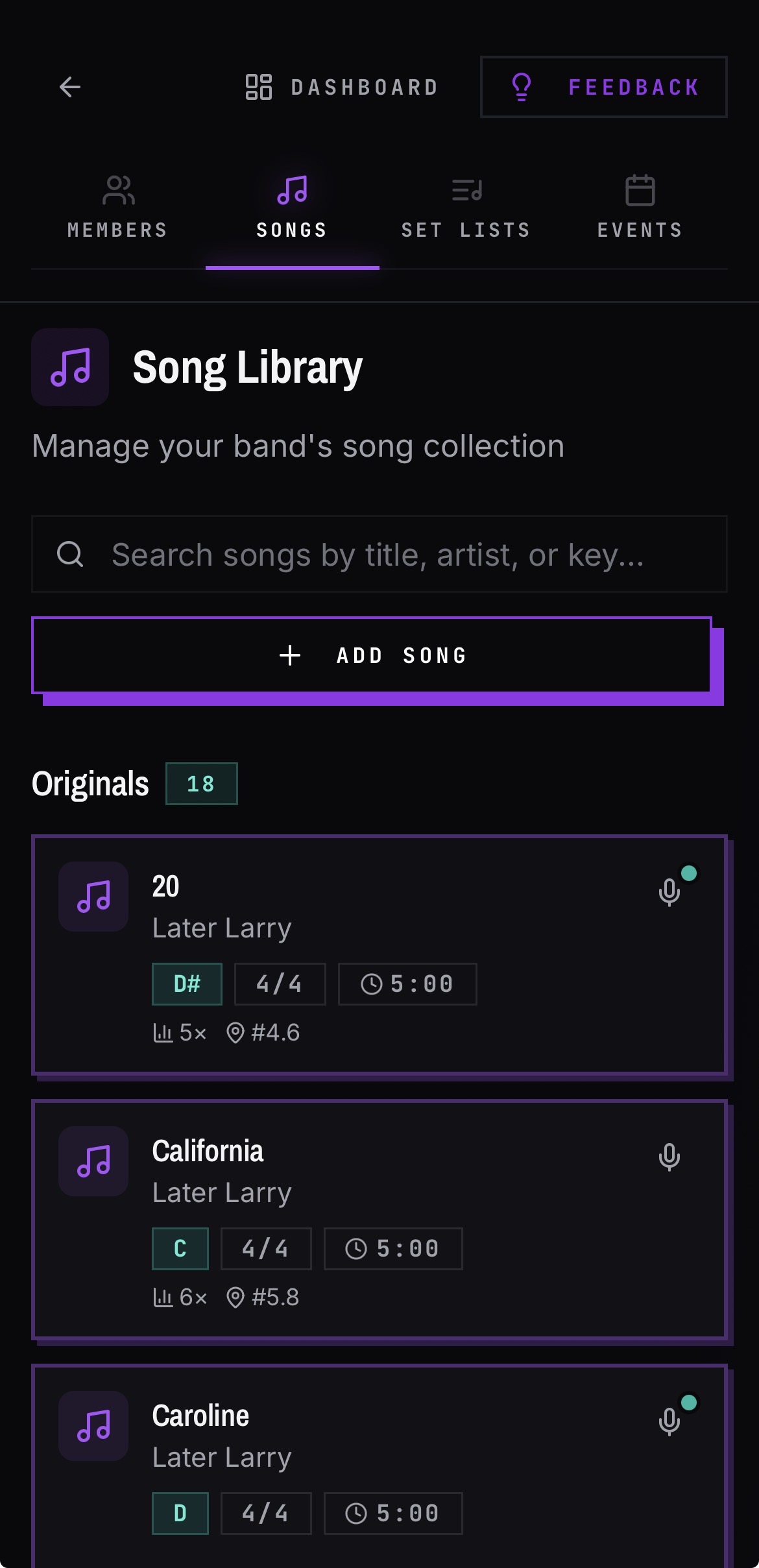
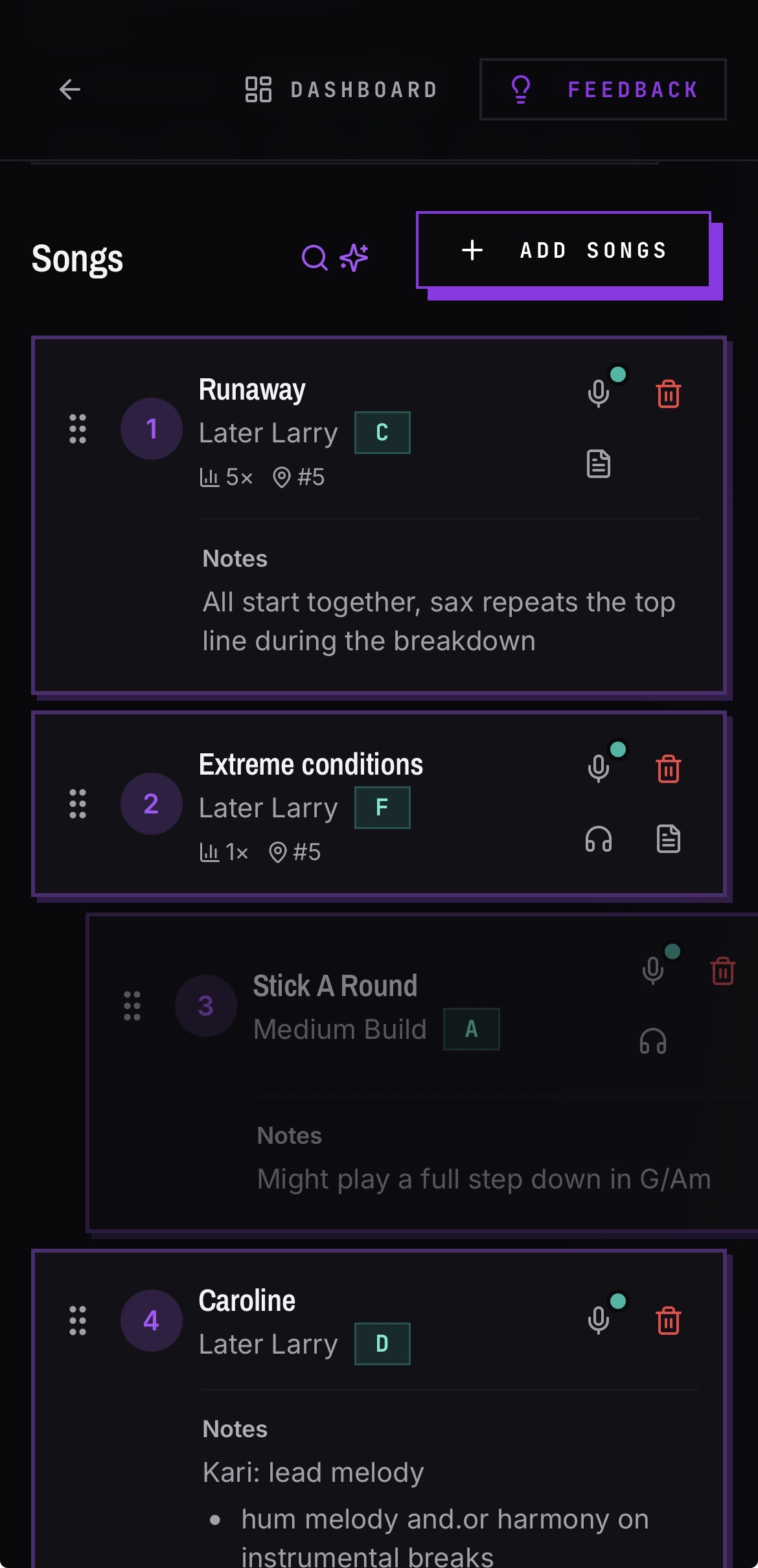
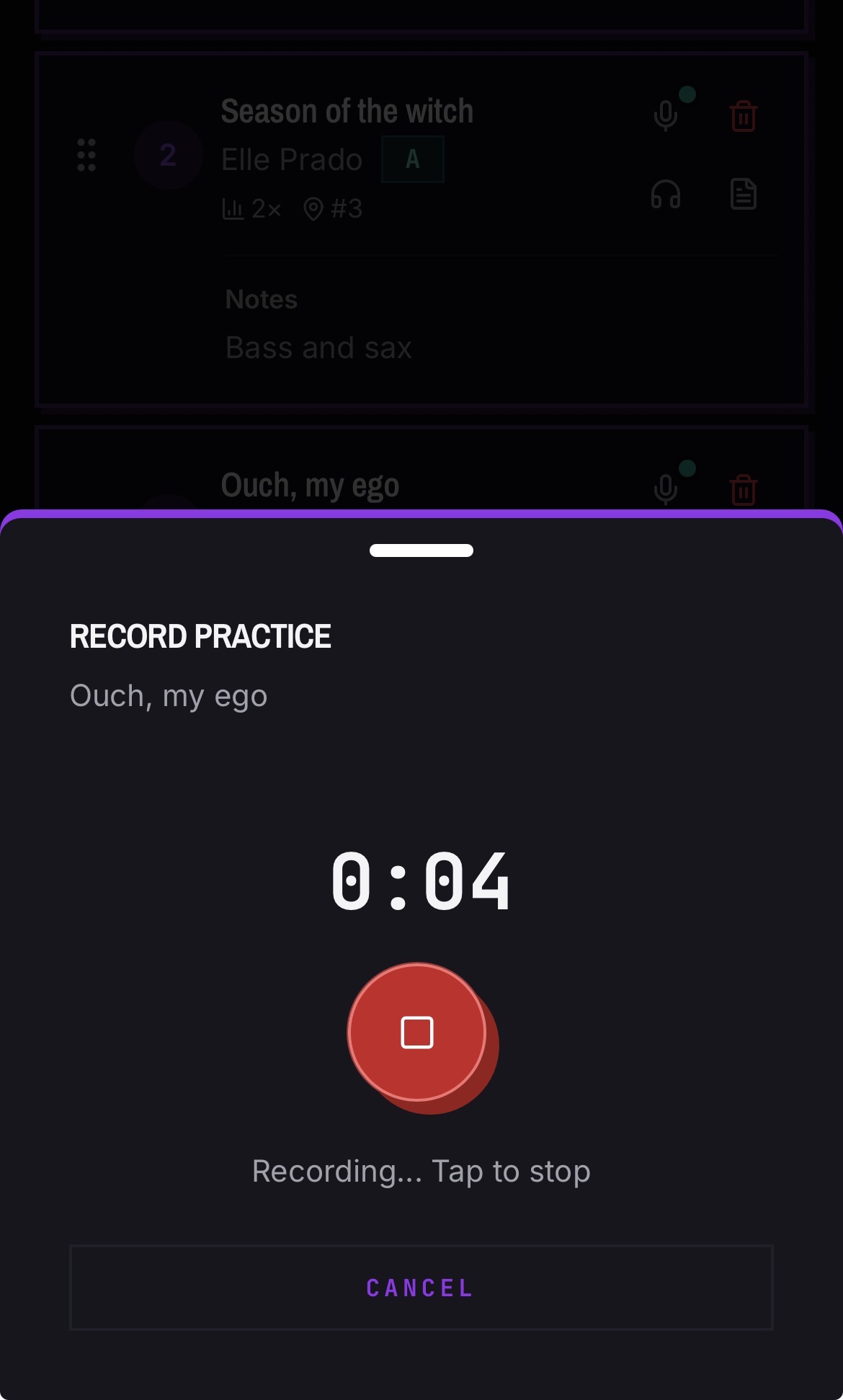
Record directly from a song using the inline mic, or upload audio you already captured. Recordings live on the song, which means they also show up wherever that song appears in a set list. Star takes and crown your best one to make sure everyone always has the gold standard to work from. You can also capture "jam recordings" for songs you're still working on.
- Record in the app or upload existing files, including phone formats like .m4a
- Multiple takes per song, so you can keep the good one and the reference one
- Anyone in the band can play them back — no shared folders to maintain
Can I listen while my phone is locked?
Yes, in the iOS app. Playback continues when you navigate away or lock the screen, with lock-screen controls showing the song and set list, so you can learn a tune on the subway without keeping the app open.
Can I download a recording?
Yes. Recordings download on both mobile and desktop. In-app recordings are converted to MP3 on download so they open in any player or DAW.
How do subs and fill-ins get up to speed?
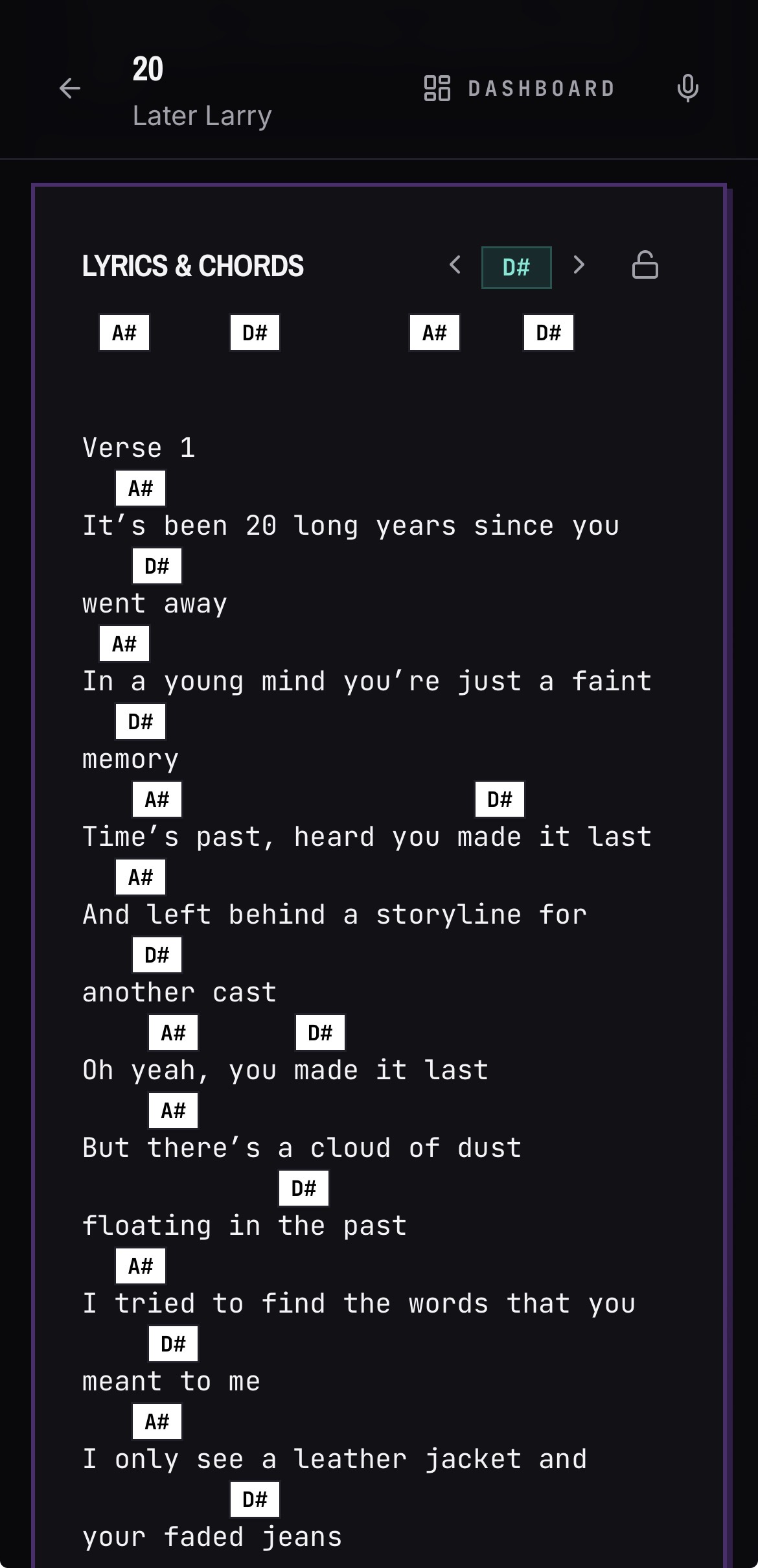
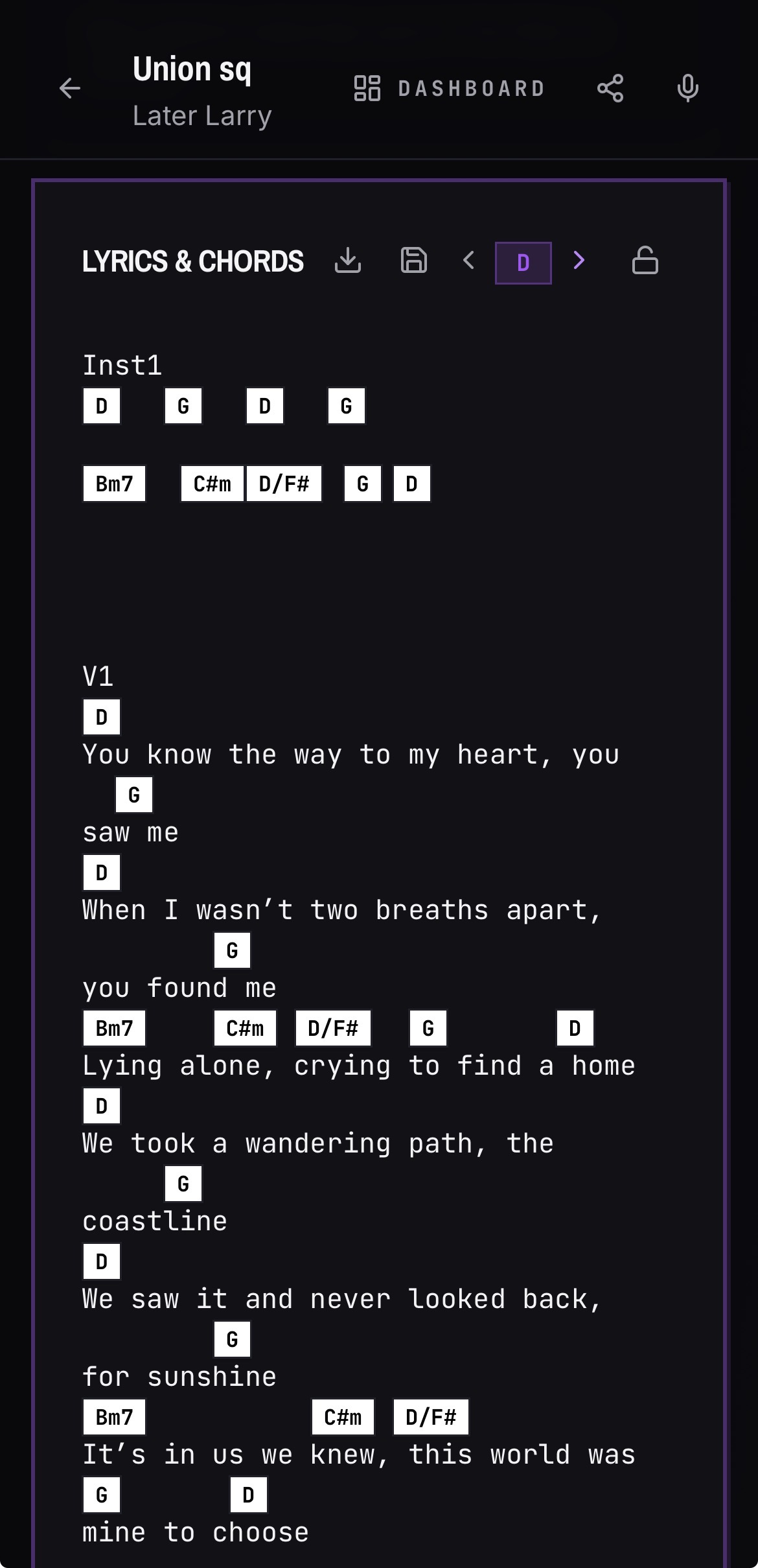
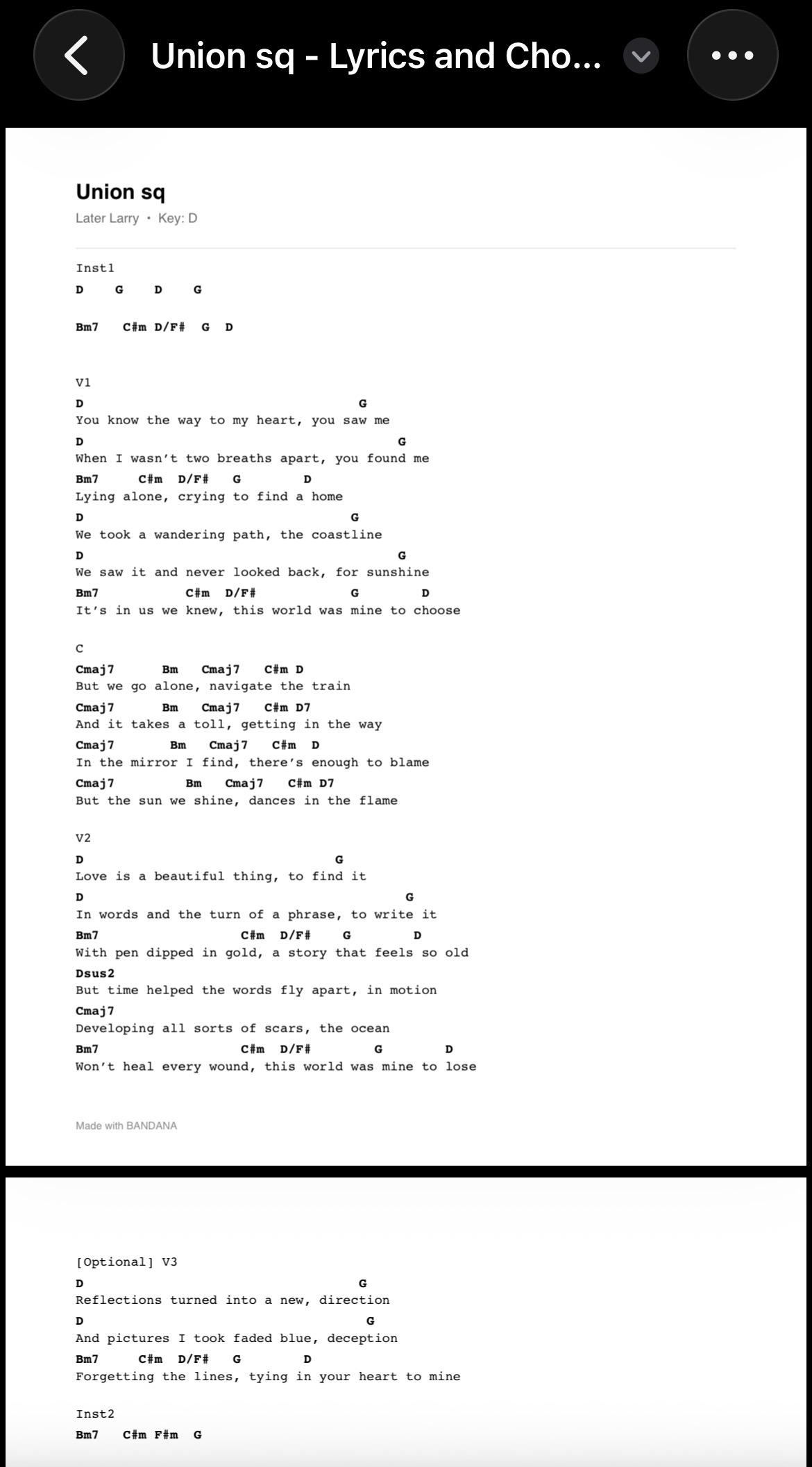
Send the set list share link. From there a sub can read lyrics and chords in your key and hear the rehearsal takes — greatly shortening prep time.
Common questions
Best app for recording rehearsal takes and sharing them with the band?
BANDANA records rehearsal takes straight from the song they belong to, so every take is already filed under the right tune and the whole band can play it back. There are no shared folders to maintain and no per-member charge.
Is there a band app that records audio directly on iPhone?
Yes. BANDANA records in the app on iPhone using the inline mic button on a song, and you can also upload takes you captured elsewhere, including .m4a files from Voice Memos.
How can I attach a reference recording to a song in our songbook?
Open the song in your band's library and record or upload the take there. Recordings live on the song, so they appear anywhere that song does — including inside a set list — and you can star takes and crown one as the band's reference version.
How do bands keep rehearsal notes and recordings organized together?
In BANDANA the song is the container: lyrics, chords, key, notes, and rehearsal recordings all sit on the same song, and set lists pull from it. Nothing lives in a separate voice-memo app or drive folder.
What audio formats can I upload?
Common mobile and desktop formats are supported, including recordings captured on an iPhone. In-app recordings convert to MP3 when downloaded.
Does audio keep playing in the background?
In the iOS app, yes — including lock-screen controls with the song and set list shown.
See it in the app