For Bands & Venues
Stage plots and band setups, ready to send
A stage plot is a diagram showing where each musician stands and what they need — amps, DI boxes, monitors, mic positions — usually sent to a venue ahead of a show alongside an input list. BANDANA stores your band's setup once and attaches it to any gig page, so the sound engineer gets the same accurate setup every time.
Log in or Create Account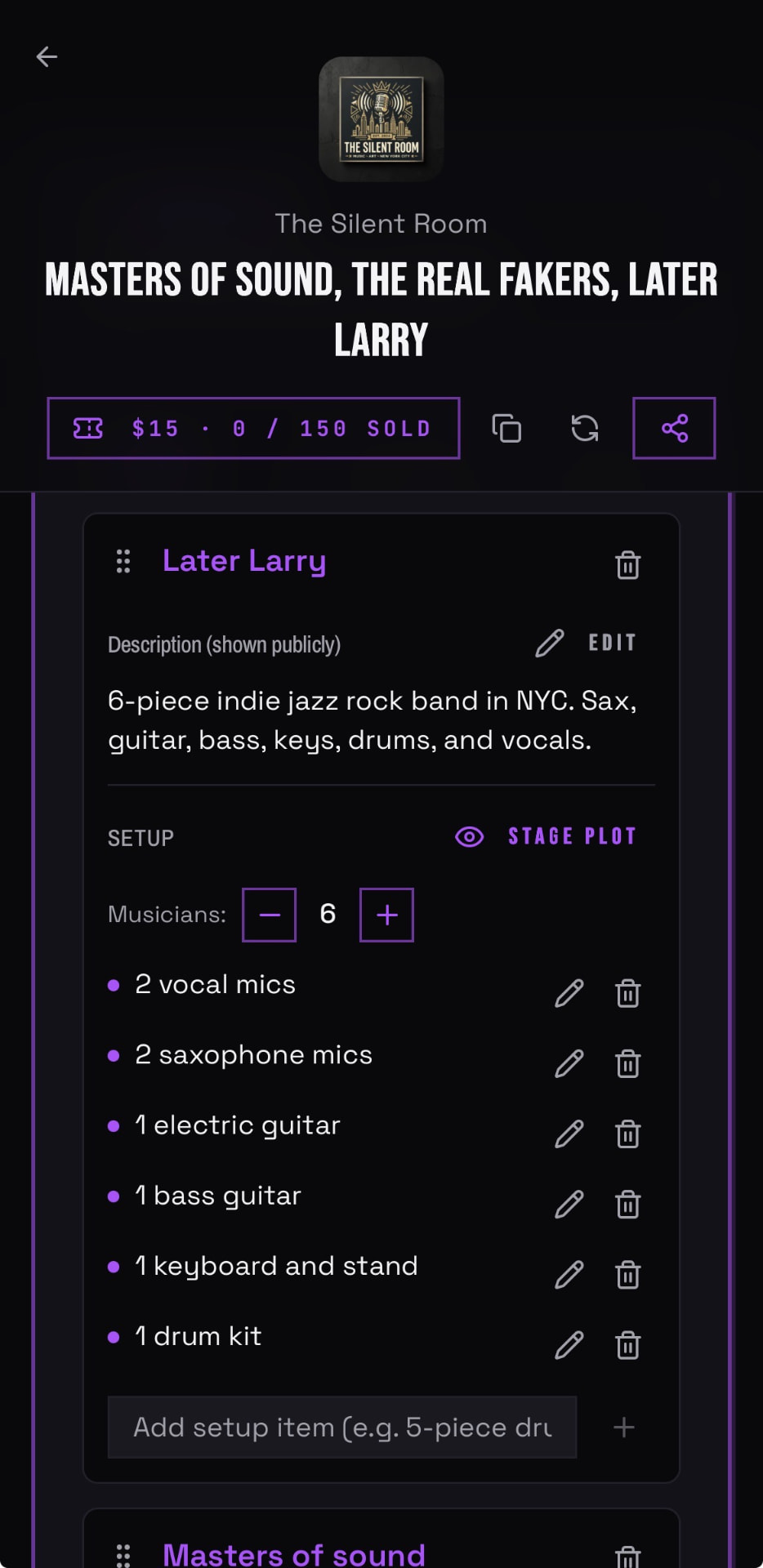
HOW DO STAGE SETUP WORK IN BANDANA?
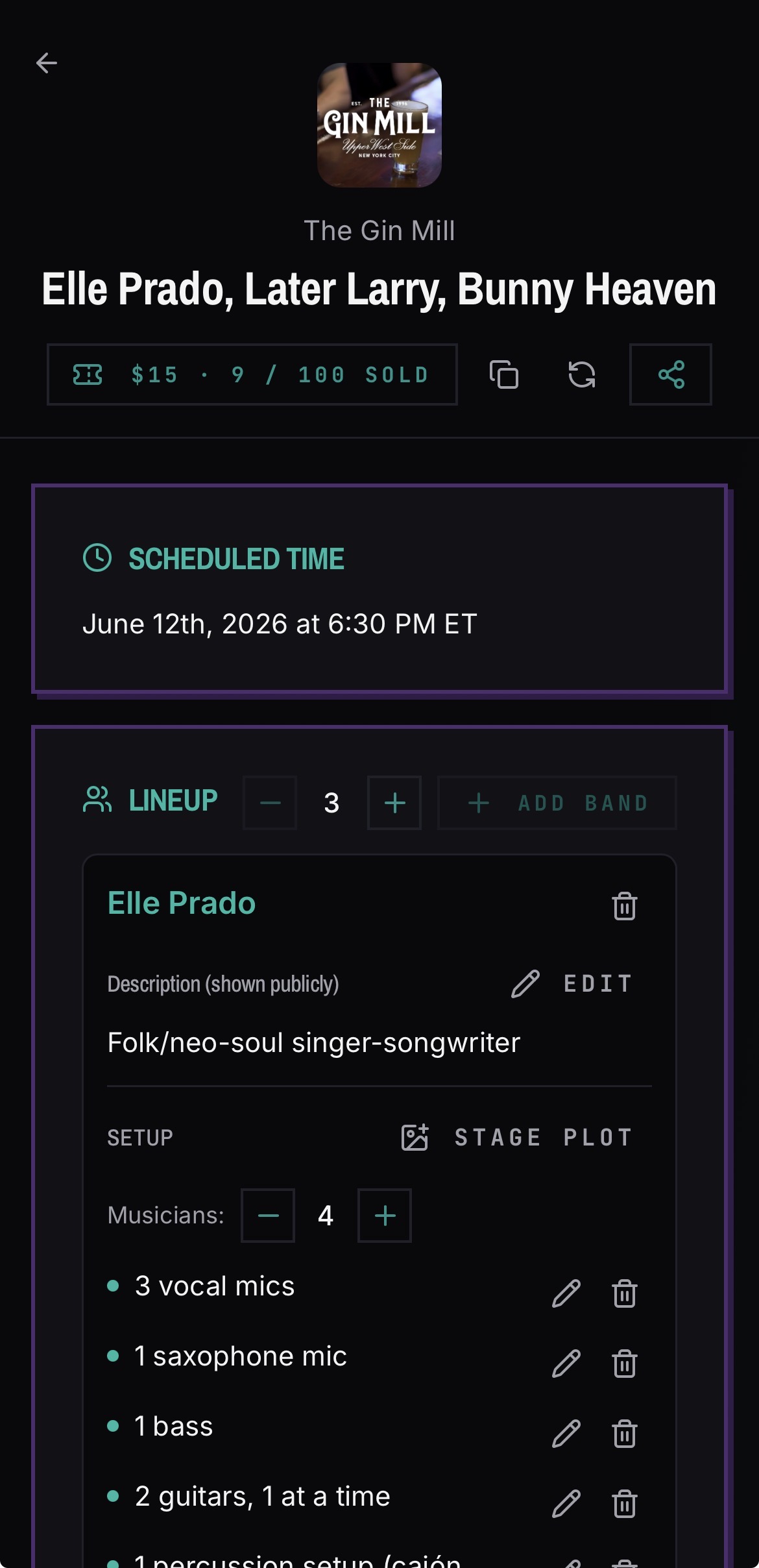
Save a setup as a band template, then add it to a gig. When you attach a setup to an event, its a copy of the original, so the gig page keeps working even if you later change your template.
- Reusable band setup templates
- Attach a setup to any gig page in a couple of taps
- Setups are cloned per event, so old gig pages never break
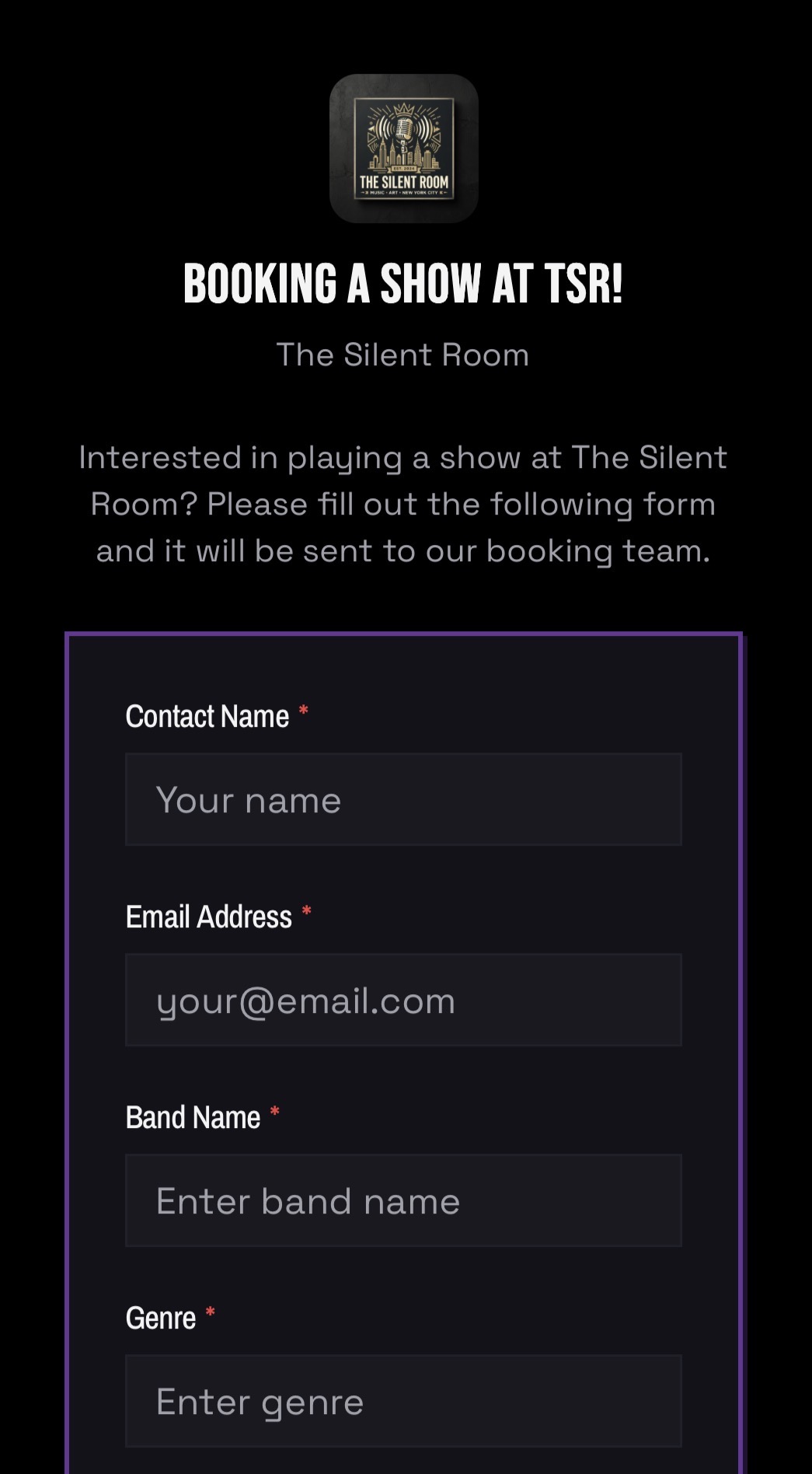
- Venues can see which bands have submitted a setup and which have not
Who can see my stage plot?
The bands on the gig and the venue staff working that gig. Gig pages are for coordination between the people playing and the people running the room — they are not public band directories.
Why does the venue want this in advance?
Because the alternative is discovering at 6pm that you brought four vocalists and the room has three mics. An accurate setup submitted during the advance is the single best way to make load-in short.
Common questions
What app handles stage plots and input lists for a live gig?
BANDANA stores your stage plot and setup as a reusable band template and attaches a copy to any gig page, so the venue and the engineer have your layout, gear, and input needs before load-in instead of at soundcheck.
Is there a free stage plot maker for bands?
Yes. Creating band setups and attaching them to gigs is free in BANDANA, with no per-member charge. Upload your plot, save it as a template, and reuse it on every show.
Do I need to redo my stage plot for every show?
No. Save it as a band setup once and attach it to each gig. Venues can also cap how many band setups a single event accepts.
Can venues collect setups from every band on a bill?
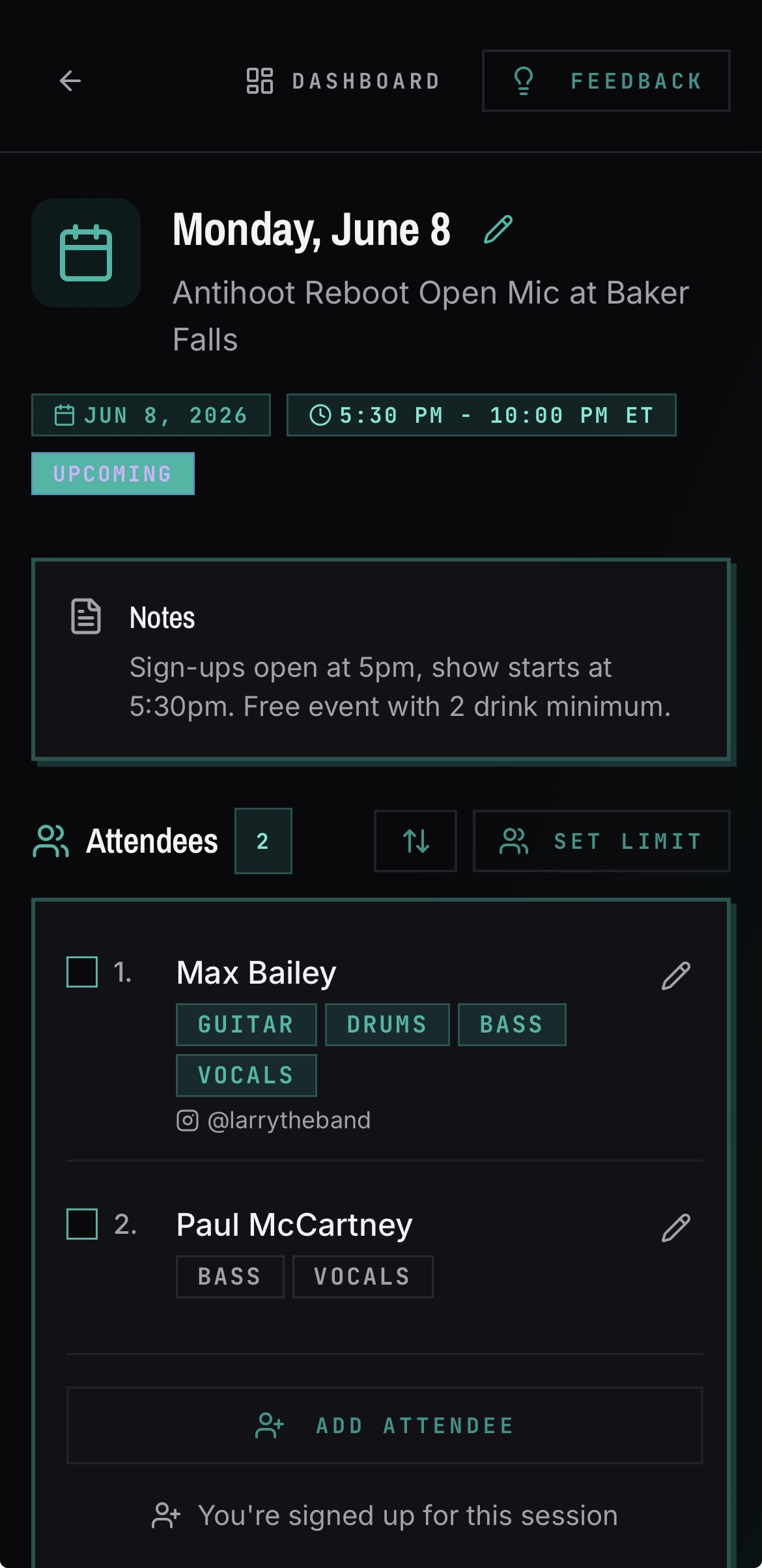
Yes. A gig page tracks setups per band, so a venue running a four-band bill can see exactly who is missing.
See it in the app