Account
Using BANDANA offline
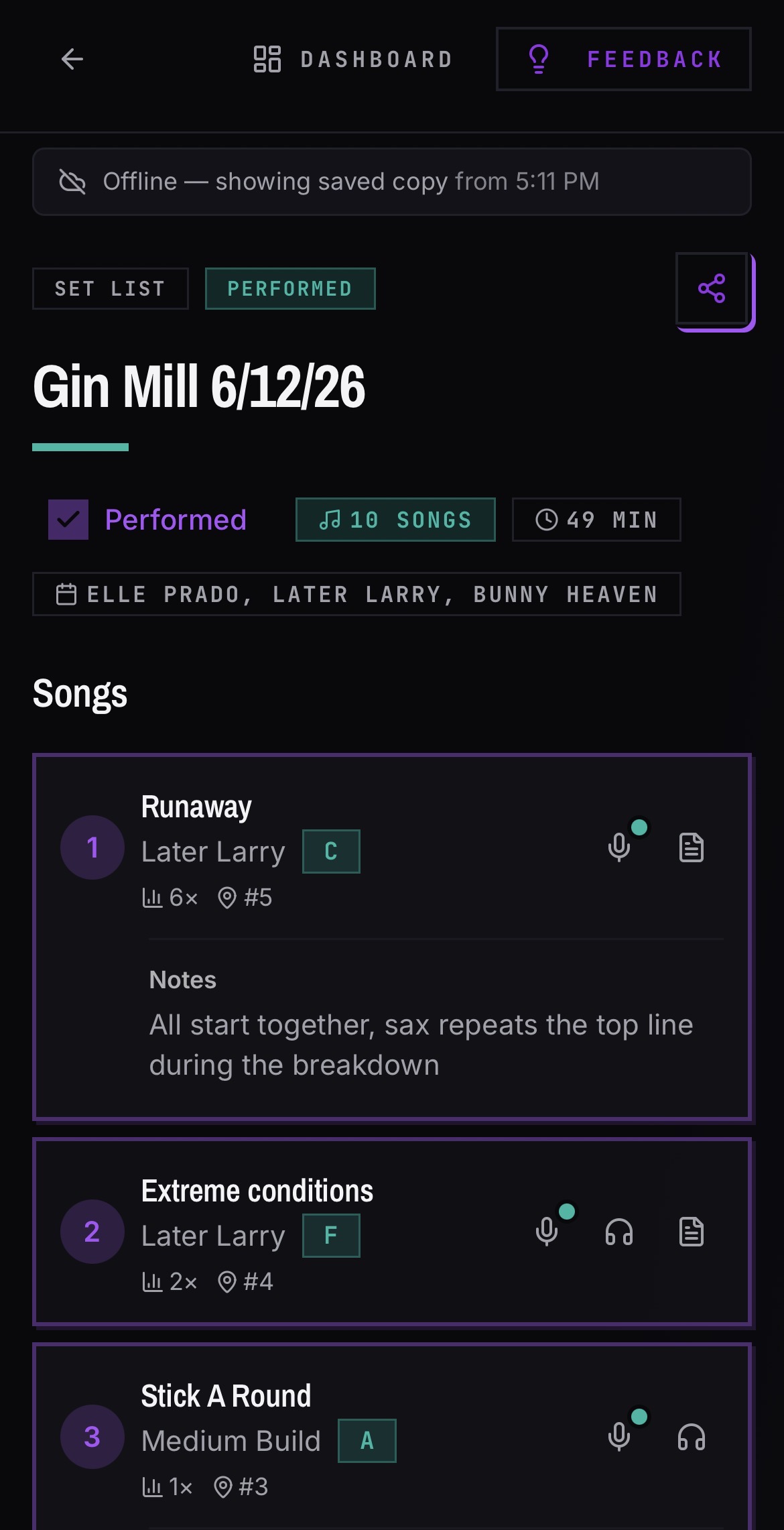
Offline mode is read-only and applies to the iOS app. Anything you have opened while online — your dashboard, bands, set lists, songs, and events — stays readable when you lose signal.
Prepare before the gig
- 01While you still have signal, open the band you will need.
- 02Open the set list and tap into the songs you want to read later.
- 03Those pages are now cached on your device.
What happens offline
- 01A banner tells you that you are offline.
- 02Your dashboard shows the bands and venues you have cached instead of sending you to the login screen.
- 03Anything not cached shows an unavailable-offline screen with a back button to the last page you can read.
- 04Buttons that would write data are hidden until you are back online.
Good to know
- Editing, recording, and anything that saves data requires a connection.