For Bands
Record and share rehearsal audio
Record from the song itself using the inline mic button, or upload an existing audio file. Recordings attach to the song and appear wherever it does.
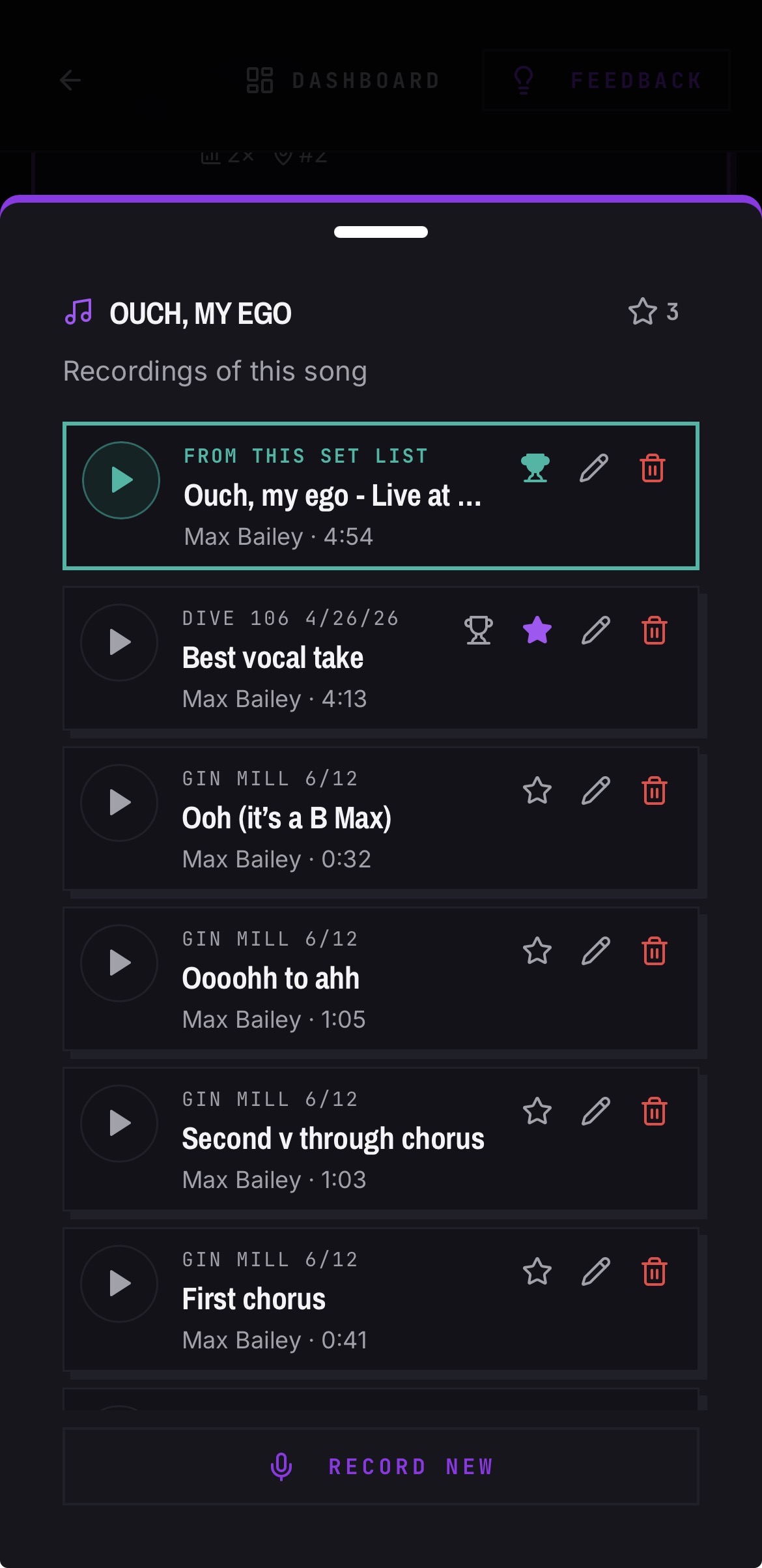
Record in the app
- 01Open the song you want to record.
- 02Tap the mic button and allow microphone access.
- 03The button pulses red while recording. Tap it again to stop.
- 04Give it a name, save the take for the whole band to listen.
Upload audio you already have
- 01Open the song and choose to upload a recording.
- 02Pick the file — common phone formats are supported.
Download a take
- 01Find the recording on the song or in the recordings list.
- 02Use the download action. In-app recordings convert to MP3 so they open anywhere.
Good to know
- In the iOS app, audio keeps playing when you leave the app or lock your phone, with lock-screen controls.
- When a song is shared externally, all of that song's recordings are accessible to listen to by external recipients.