For Bands
Save a stage plot and send it to a venue
Save your stage plot as a band setup once, then add that setup to a gig page. Files are copied into the event so old gigs never break.
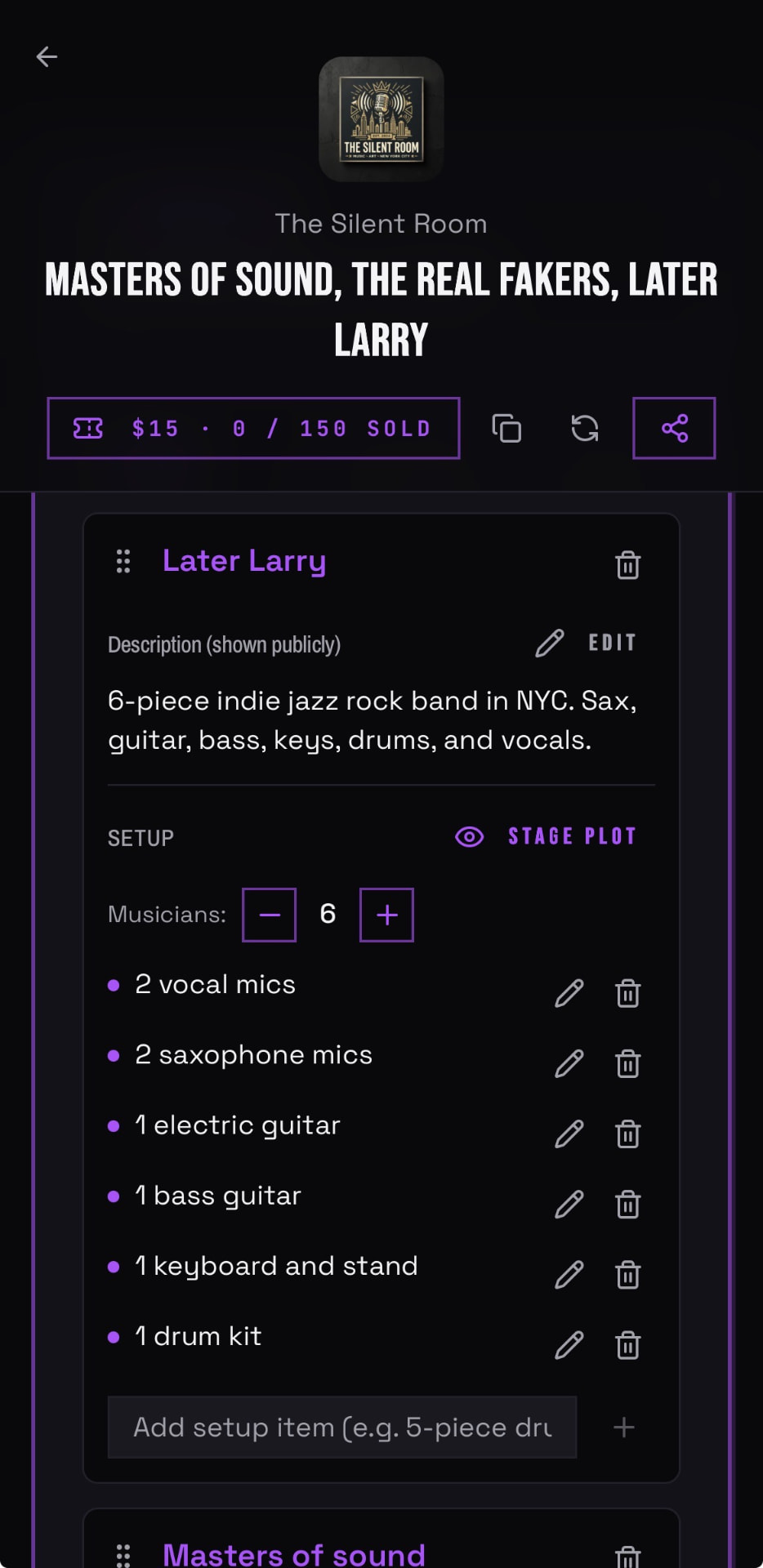
- 01Create a band setup at the bottom of your band's Members tab, including your stage plot and input details.
- 02Open the gig page for the show.
- 03Use the Add Setup button and pick the setup you saved.
- 04The venue and the other bands on the bill can now see it.
Good to know
- Venues can cap how many band setups a single event accepts. When the cap is reached, the Add Setup button is hidden.
- Stage plots are optional for most venues. If you want to create one, you can use a free tool like Ridermaker.