For Bands
Work a gig page with the venue
A gig page is the shared advance for a show. The venue publishes the run of show and logistics; your band fills in its bio, setup, photos, and guest list.
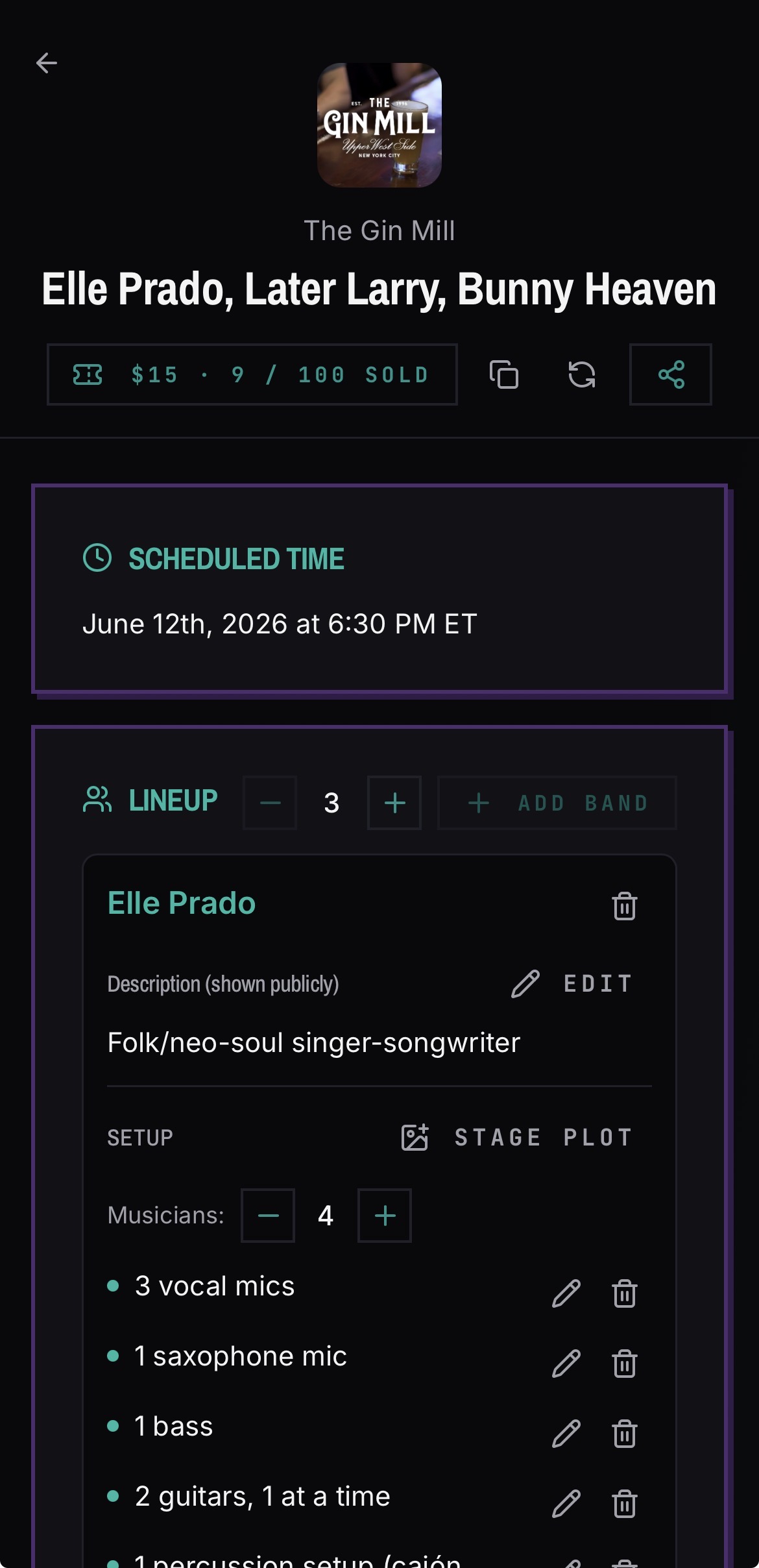
What you fill in
- 01Open the gig page from your band's Events tab.
- 02Add or confirm your band's bio for the event listing.
- 03Attach your band setup and stage plot, if you have one.
- 04Upload photos or a poster — the venue can pick one as the hero image of the ticket.
- 05Add your guest list names up to your band's allocation.
Good to know
- Guest list quotas are divided across the bands on the bill from the venue's total.
- Signed-in users open the collaborative gig page; anyone without an account sees a read-only public version.
- Band admins get emails driven by gig activity: being added to the bill, schedule changes, cancellations, and reminders 2 weeks, 1 week, and the day of the show. See the full list in Emails BANDANA sends you.