For Bands
Add songs, lyrics, and chords
Add a song from the band's Songs tab, then open it and add lyrics and chords by pasting text, uploading a file, or using AI extraction.
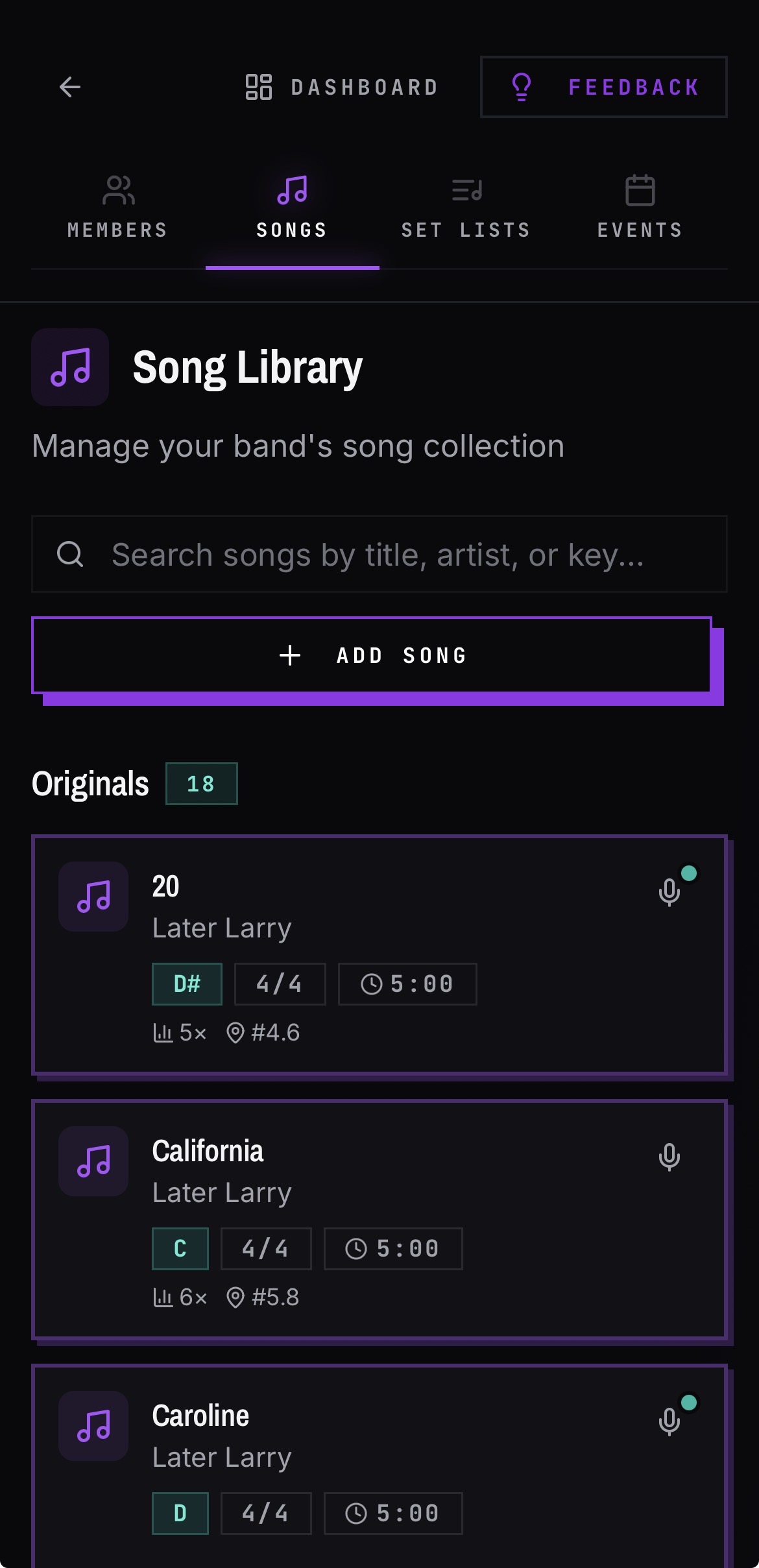
Add a song
- 01Open your band and go to the Songs tab.
- 02Add a song and enter the title and artist.
- 03Tap the Save button. The song now appears in the library and can be added to set lists.
Add lyrics and chords
- 01Open the song.
- 02If the song is empty, admins see Paste Text and Upload File actions.
- 03Paste a chord sheet or upload a file, and BANDANA extracts lyrics and chord positions.
- 04The extracted content saves immediately — there is no separate save step to forget.
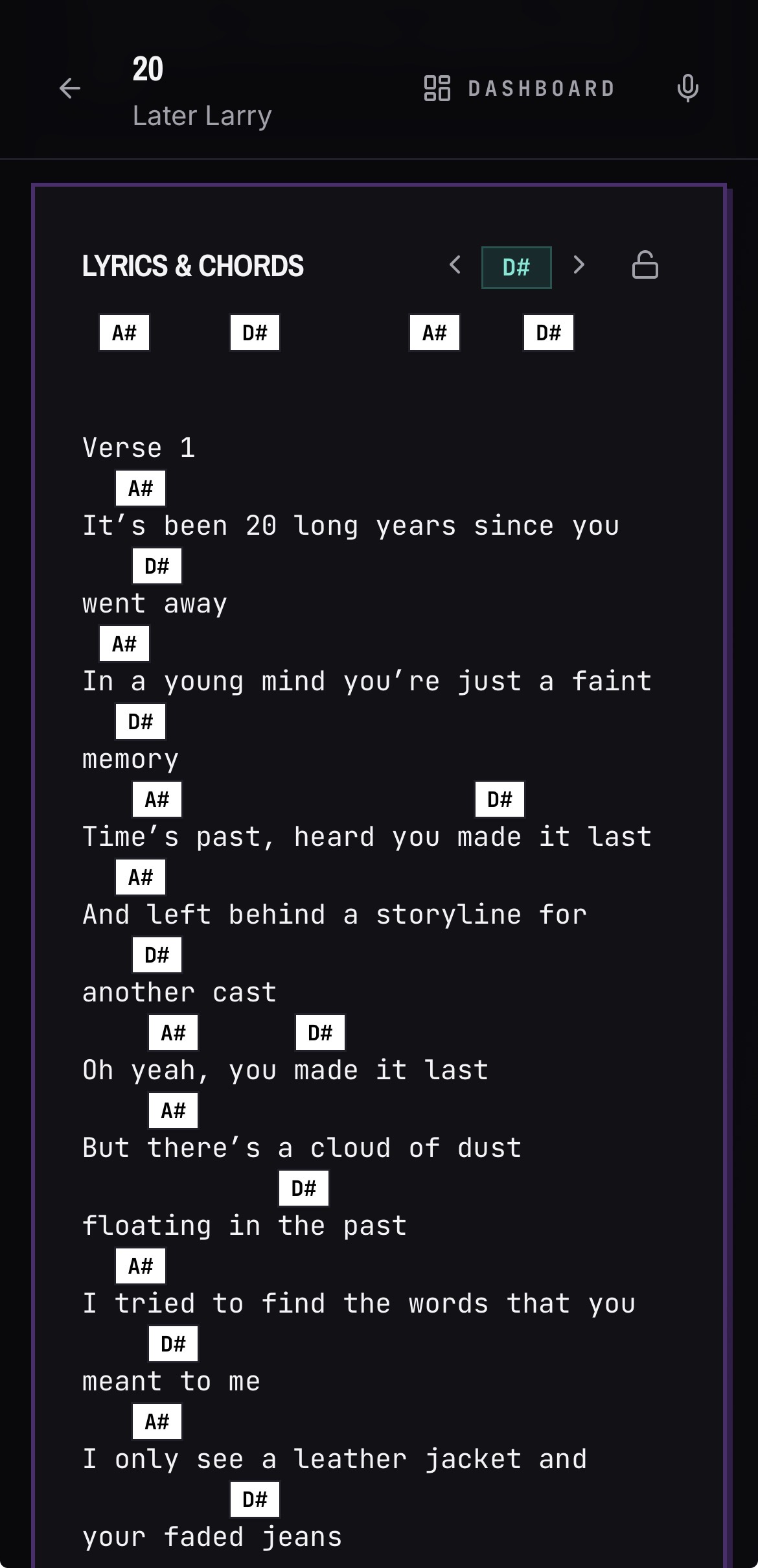
Edit chords by hand
- 01Enter edit mode on the song.
- 02Tap the chord row directly above the lyric you want to change.
- 03Enter the chord in the popover and close it with the X.
- 04Edits auto-save shortly after you stop typing.
Good to know
- When a song has at least two distinct chords, BANDANA suggests a key automatically. You can override it.
- Once lyrics are in, the read-only view gains an auto-scroll play button and speed slider so you can play hands-free.
- Any member can add or edit songs. Only admins can delete them.
- Chords can be removed or dragged into position with drag-and-drop on any device.