For Bands
Build and share a set list
Create a set list from the band's Set Lists tab, add songs from your library, and drag them into order. Use the maybe section for songs you have not committed to.
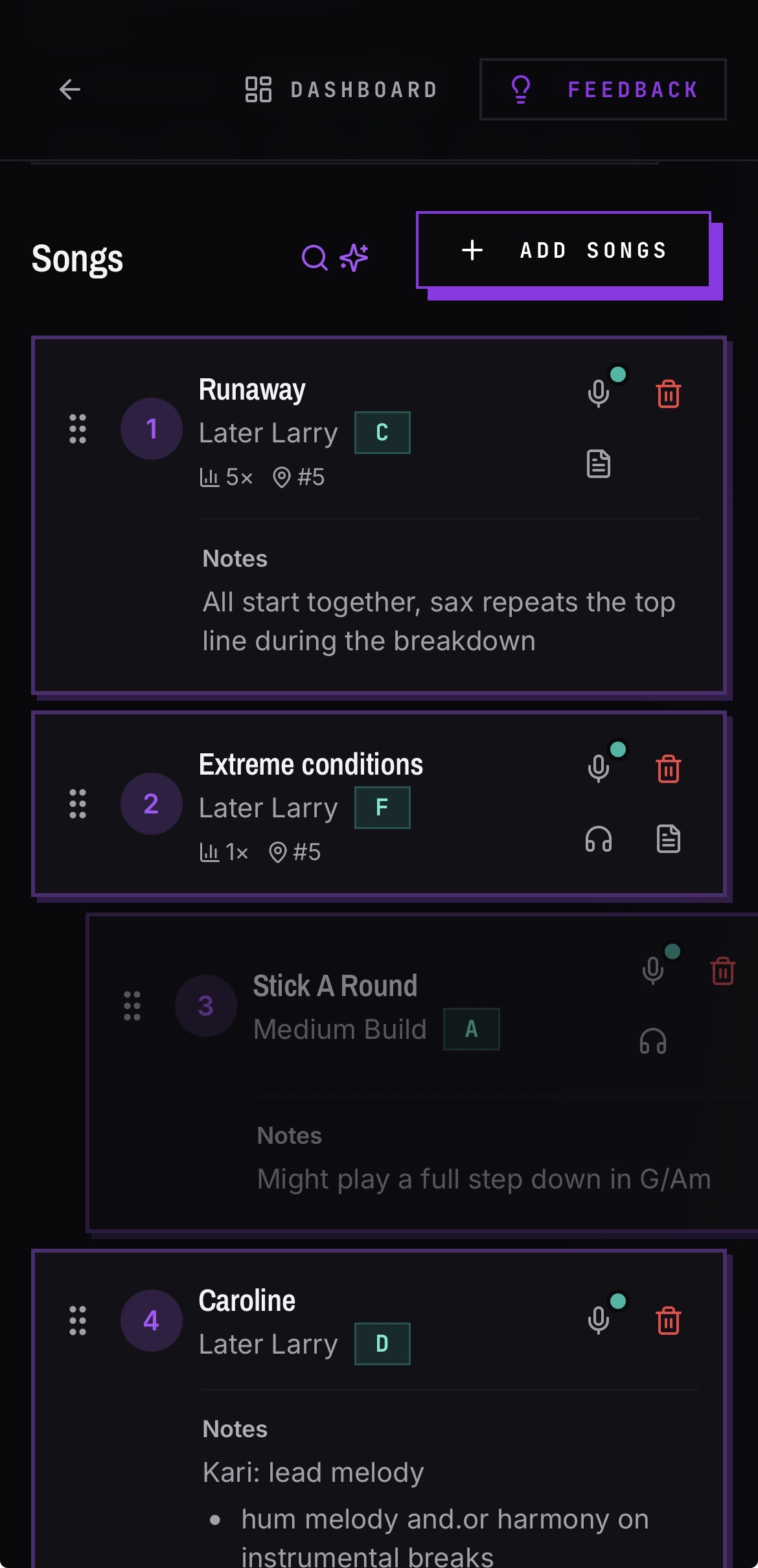
Build the set
- 01Open your band and go to the Set Lists tab.
- 02Create a set list and name it — usually the venue and date.
- 03Add songs from your library. New songs land at the end of the main set.
- 04Drag songs into the order you want to play them.
Use the maybe section
- 01Drag a song from the main set into the maybe section to park it.
- 02Drag it back up when you commit to it.
- 03Adding new songs does not disturb songs already sitting in maybe.
Share it
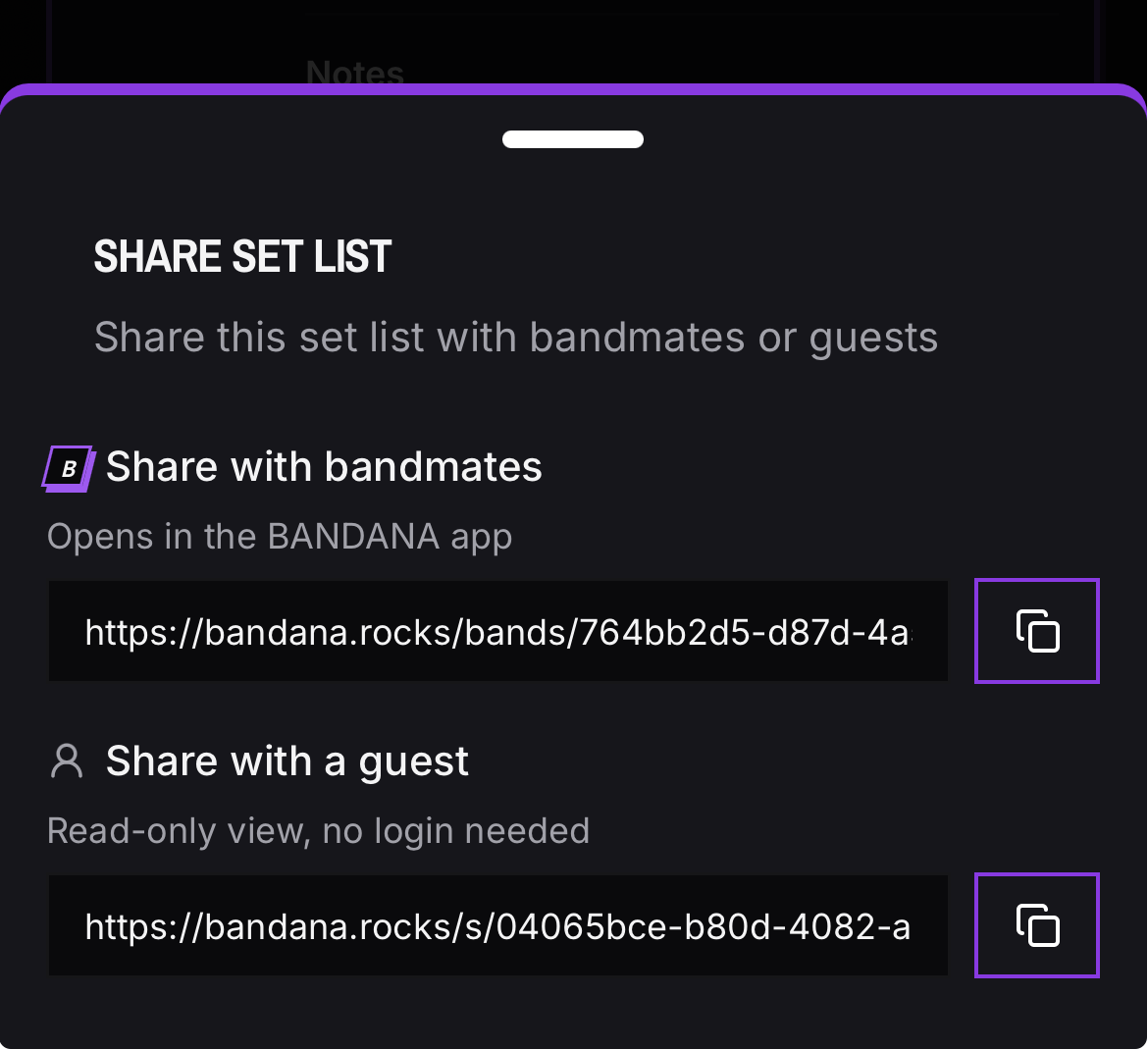
- 01Use the share action on the set list to get a public link.
- 02Anyone with the link sees a read-only version — no account needed.
Good to know
- Notes written on a song show up under that song in every set list, indented and read-only.