For Bands
Send a booking request to a venue
Open the venue's booking form on their website, pick from the dates the venue has marked open, and submit. Signed-in bands have their details pre-filled.
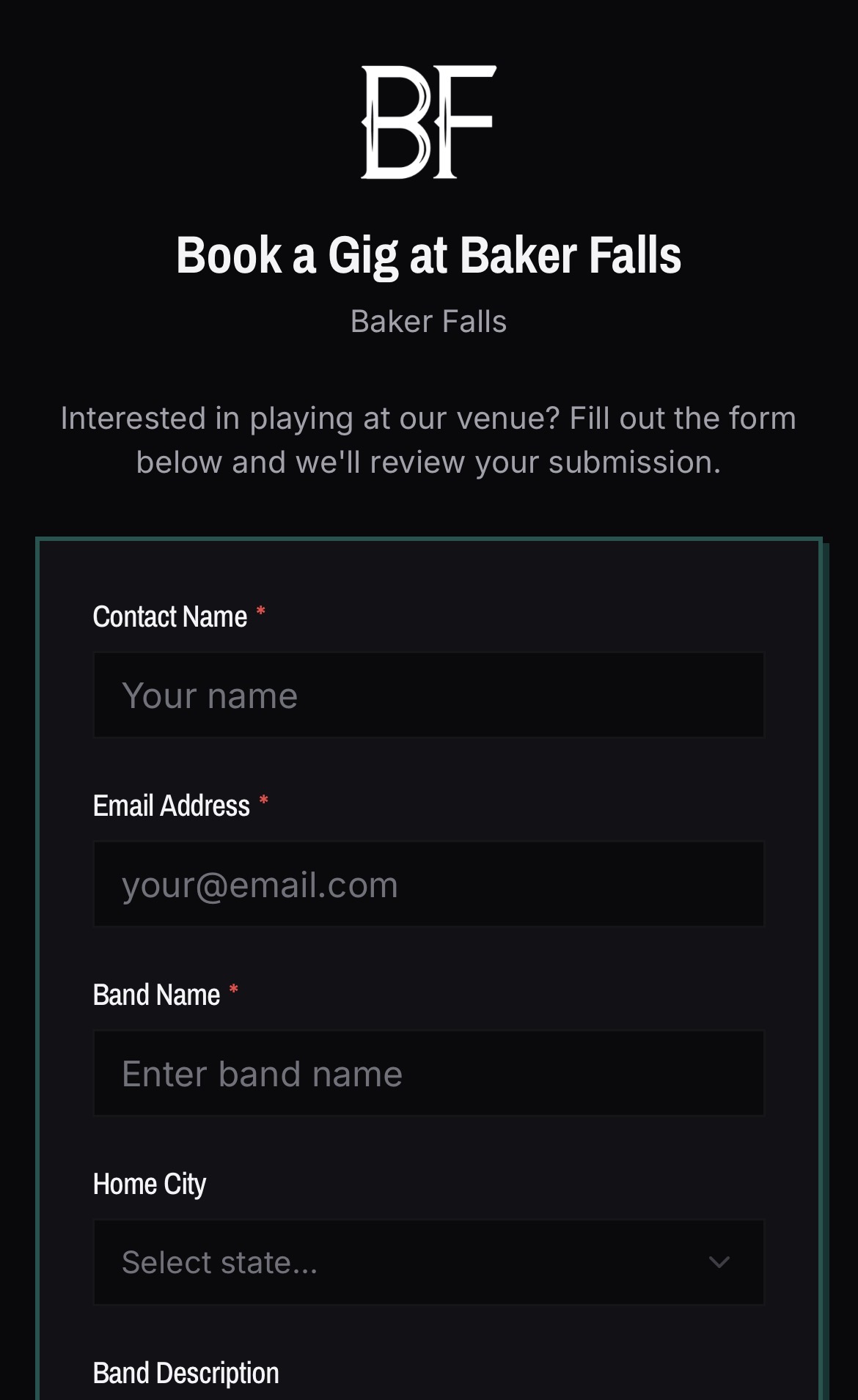
- 01Open the venue's booking form — it may be on their own website as an embed, or a direct BANDANA link.
- 02Choose from the open dates. Dates the venue has closed directly or set as a weekly closure do not appear.
- 03Fill in the fields the venue asks for.
- 04Tap the Submit button. If you are not signed in, you can sign in inline with a magic link without losing what you typed.
Good to know
- An approved request means the venue said yes. The venue creates the gig itself when they are ready, so you may not see an event immediately.
- Emails follow the activity: submitting sends you a confirmation, and the venue approving or declining sends you an update. See the full list in Emails BANDANA sends you.