For Bands
Create a band and invite members
Create a band from the Dashboard using the Create Band button, then invite members from the band's Members tab.
Create the band
- 01Sign in and open your Dashboard.
- 02Tap the Create Band button.
- 03Give the band a name and save.
- 04You are added as the band's admin automatically.
Invite your bandmates
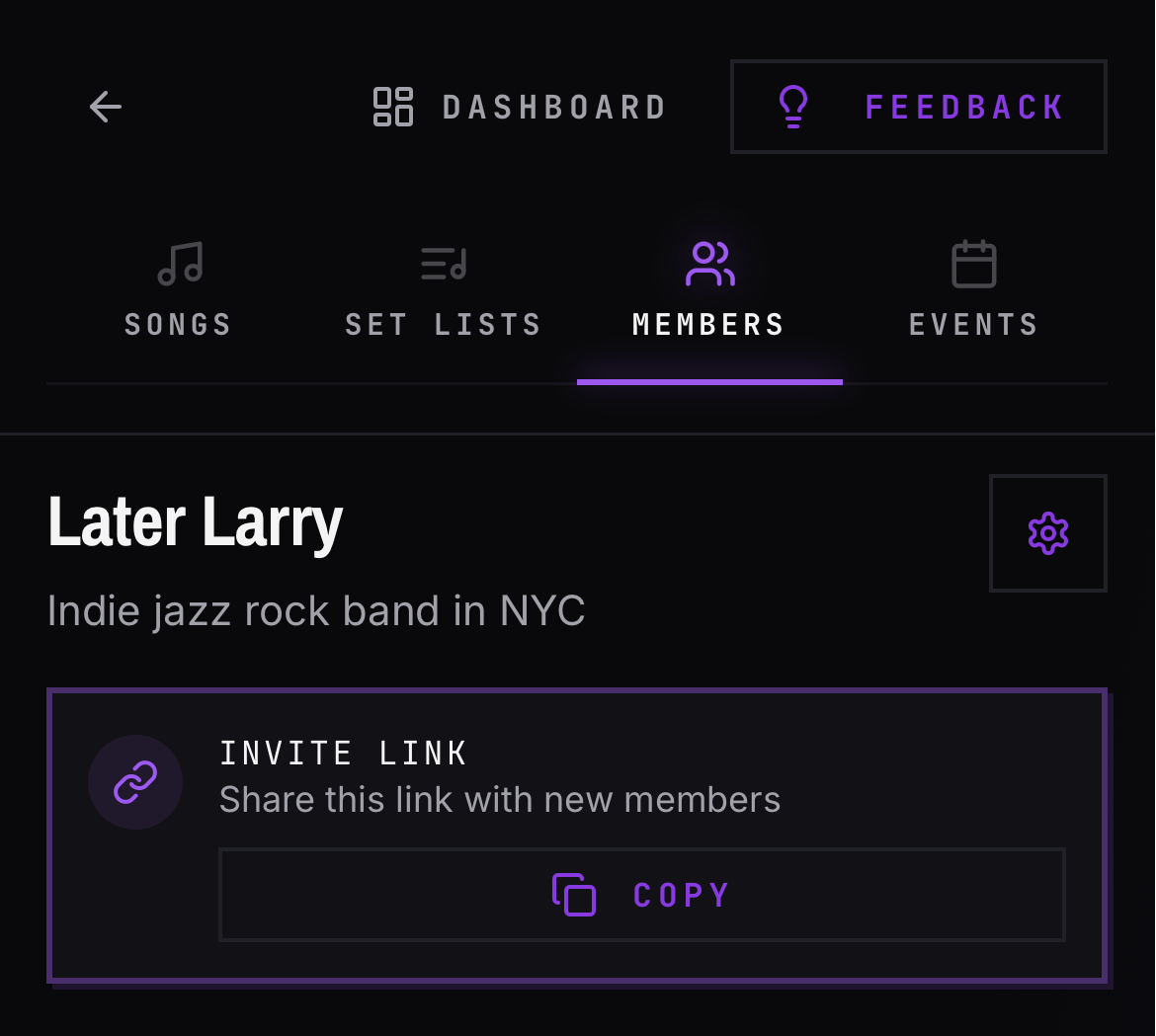
- 01Open the band and go to the Members tab.
- 02Copy the band's invite link.
- 03Share the link with each member.
- 04They sign in with a magic link or Google and land in the band.
Good to know
- New bands start with songs turned on and events turned off. Both are toggles in band settings — the gear icon in the band header.
- Newly invited members are not admins by default. They join as members, and an admin can promote them from the Members tab.
- A new member's first sign-in triggers a welcome email. BANDANA only emails based on activity like this — see the full list in Emails BANDANA sends you.