For Venues
Run an open mic or open jam
Create a jam session from your venue's Sessions tab, pick the night's format, and set the recurring schedule. Performers sign up from their phones.
Set the night up
- 01Open your venue and go to the Sessions tab.
- 02Create a jam. It inherits your venue's details.
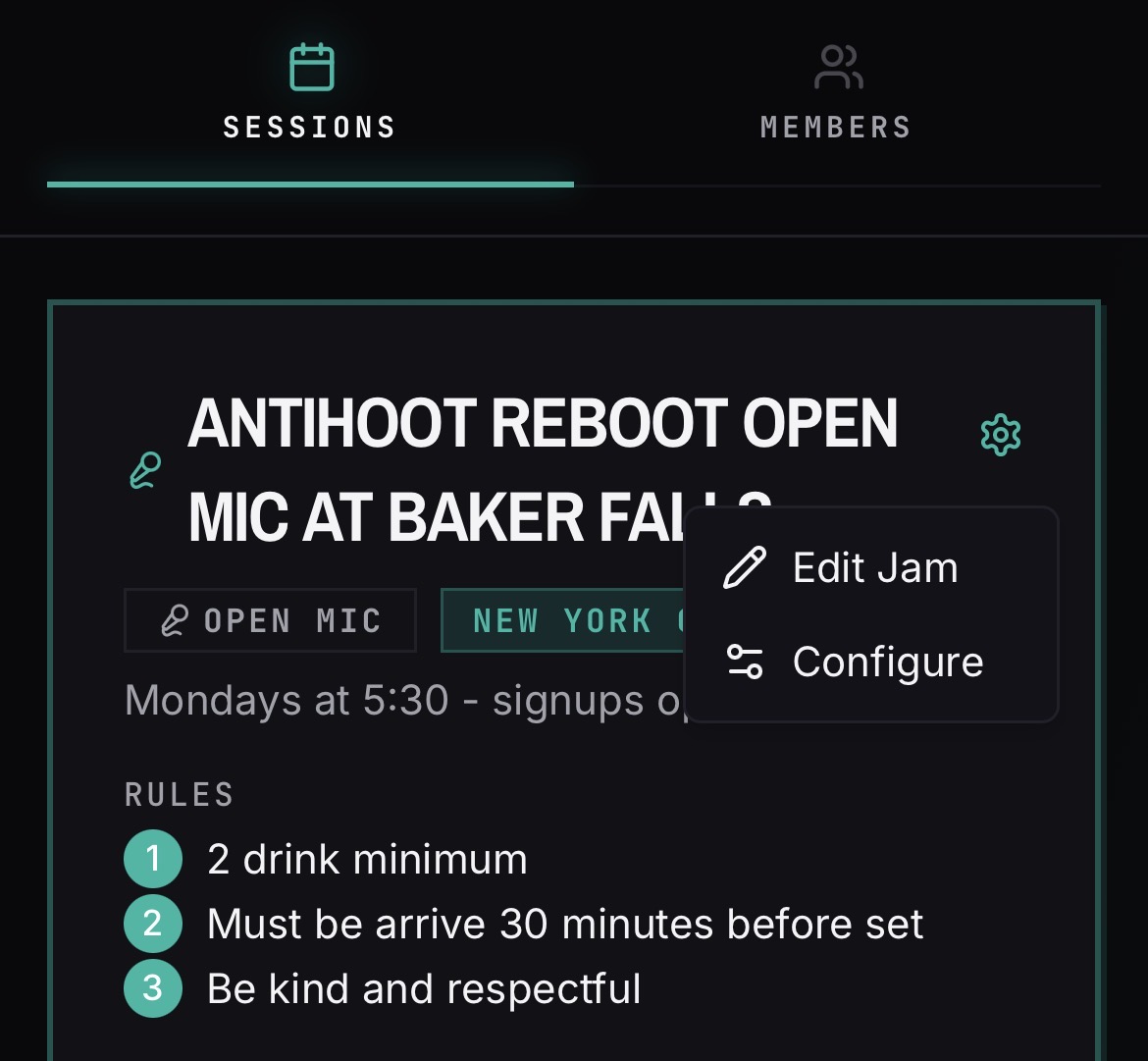
- 03Tap the gear icon on the jam header, then tap the Configure button. Every setting for the night lives here — the Edit Jam button in the same menu covers the name, description, and rules.
- 04Choose the format: Open Mic, Open Jam, or Hybrid.
- 05Set the recurring schedule so future dates generate automatically.
Control sign-ups
- 01Set a default attendee limit — new sessions inherit it.
- 02Set the sign-up lock window in fifteen-minute increments before the session starts.
- 03Override the limit or settings on an individual session when one week is different.
On the night
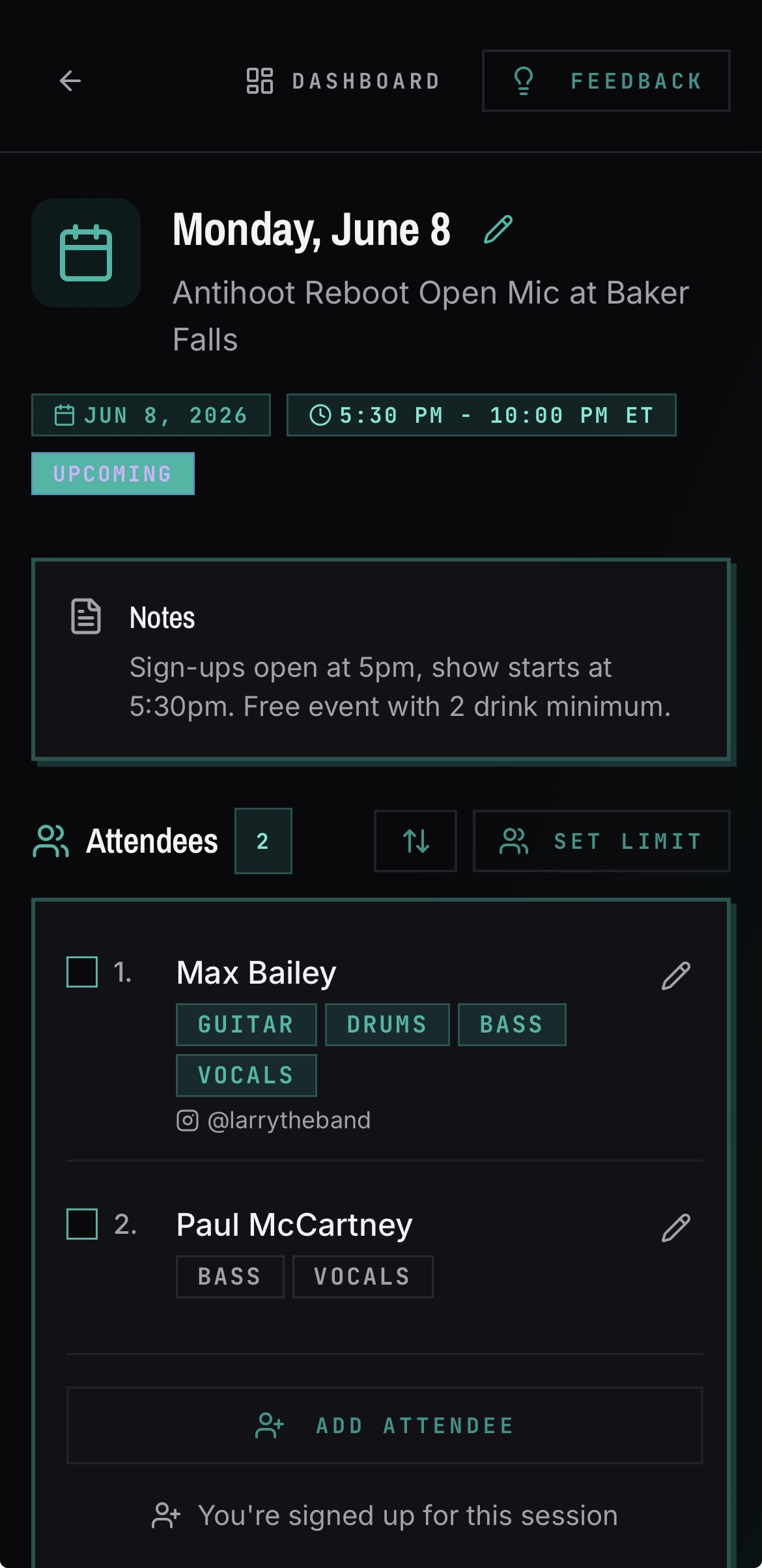
- 01Performers sign up from their phones and submit songs.
- 02Manage the running order from the session page.
- 03Ending a session sends signed-in performers back to the jam page.
Good to know
- The shared songbook is available for Open Jam and Hybrid nights, not for Open Mic.
- A venue is linked to one jam session, which shares the venue's details.
- Hosts, not just owners, can manage sessions.
- Play with others lets performers post songs other people can join in on, with a song limit per person that you set in Configure.
- Advanced sign-up unlocking releases a handful of spots ahead of the regular unlock time. You choose how many early spots open and how they are distributed across the list.
- House band lets you name one of your bands as the night's house band so performers know who is backing them.