For Bands
Schedule rehearsals with time voting
Collect each member's availability, review the heatmap, curate a few candidate time slots, publish them, and let the band vote to finalize the rehearsal.
Turn on events and create the rehearsal
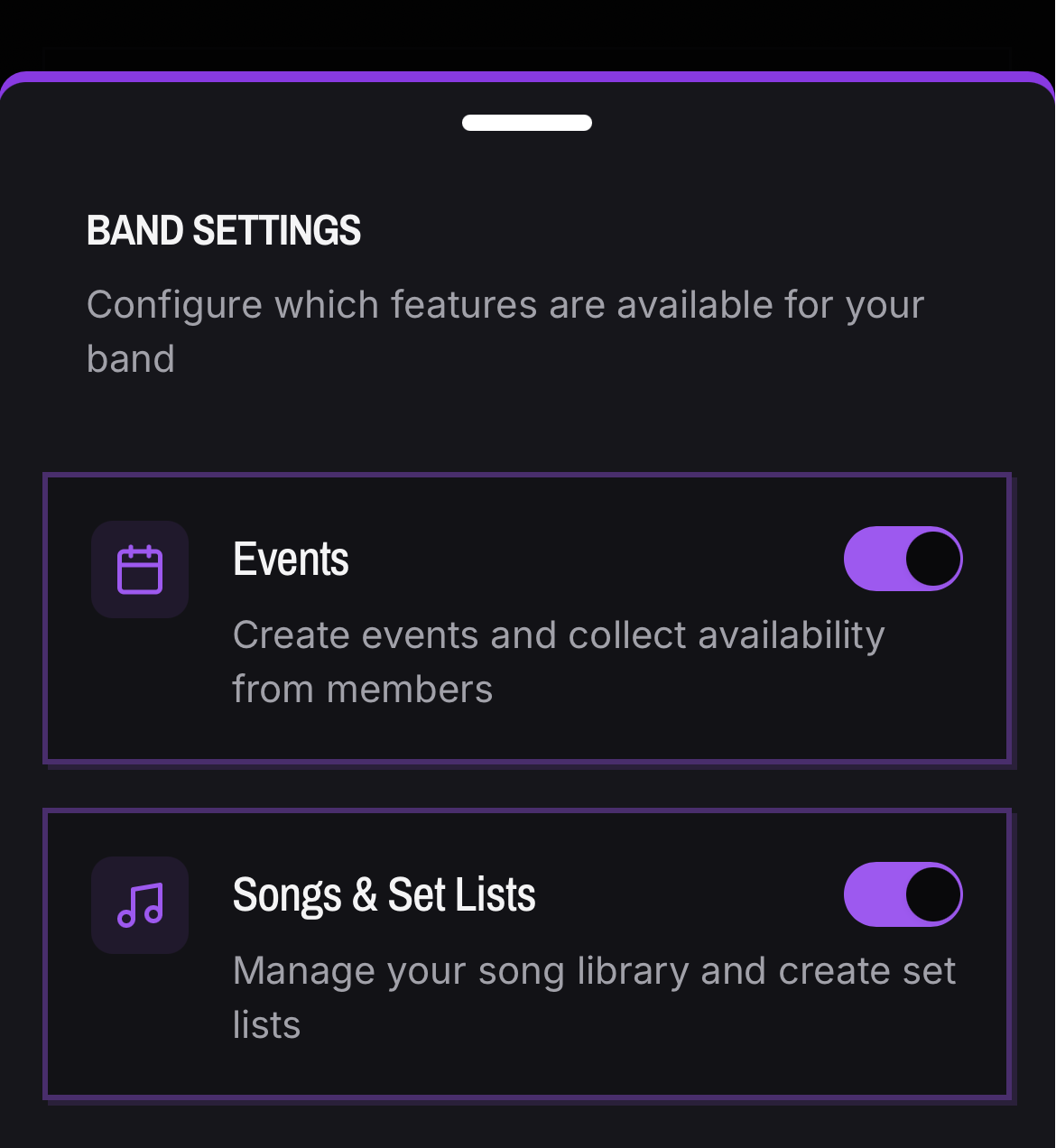
- 01Make sure Events are enabled in the band's settings.
- 02Open the band's Events tab and create a new Practice event. You will be prompted to add a Gig event as well, if the practices are to prep for a gig. This ensures your suggestions are spaced evenly before the gig date.
- 03The event starts in Collecting Availability. You can add custom time slots right away if you already know what you want.
Members submit availability
- 01Once you create your Practice event, ask your bandmates to log in and add their availability.
- 02Members are prompted automatically for any event still collecting availability; dismissing the prompt snoozes it for a day.
- 03Submitting availability for an event also keeps the member's band-level default availability in sync, so the next event is prefilled.
- 04Admins see a Waiting for availability from X members banner listing exactly who has not replied, and can manage availability on a member's behalf.
Read the heatmap
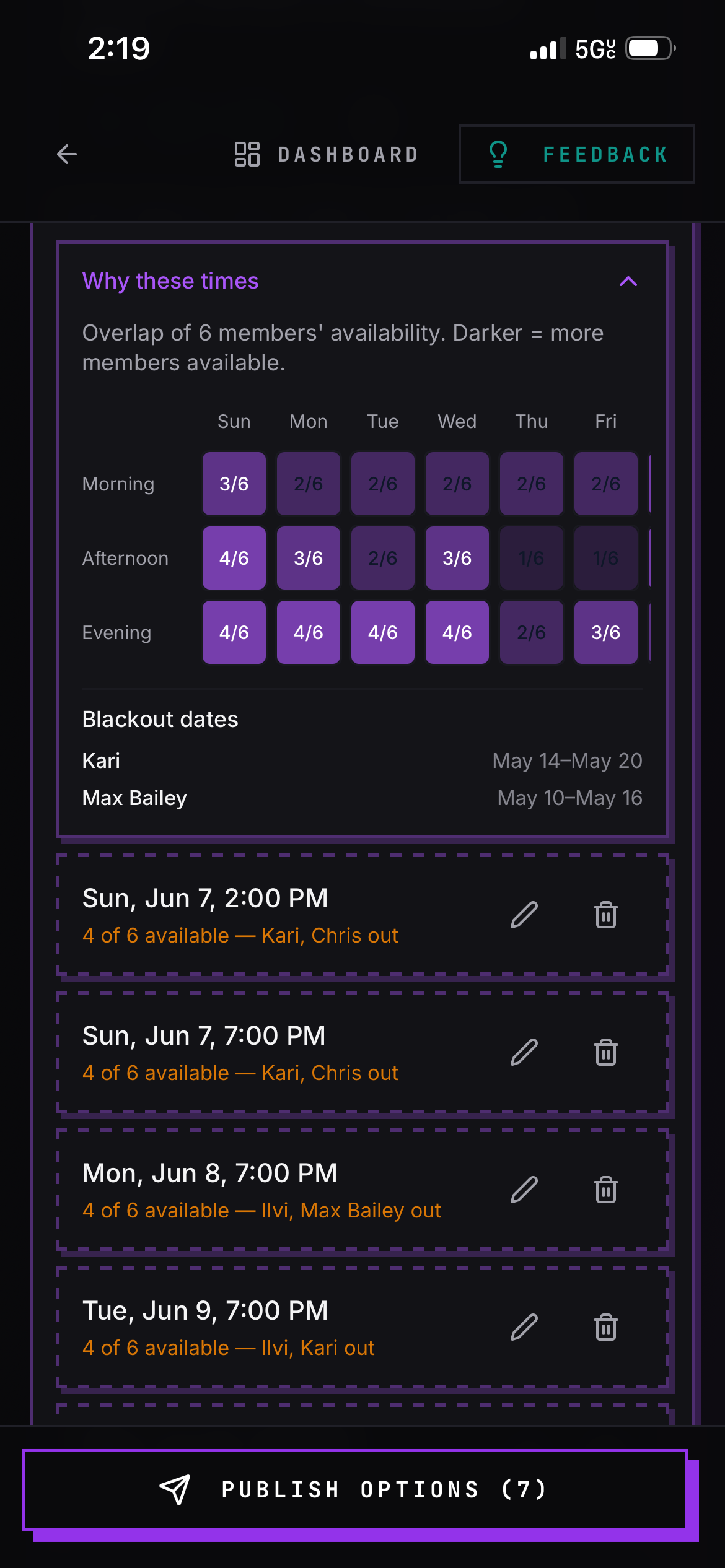
- 01Once everyone has submitted, admins can generate time slots and see a Why these times grid: seven day columns by three time-of-day rows, each cell showing how many of the band are free, with brighter spots as more members overlap.
- 02Blackout dates are listed separately, grouped by member into date ranges.
Generate and curate the options
- 01The Generate Options button builds a candidate list from the submitted availability. It is rule-based, not AI: it ranks every upcoming day and window by how much of the band is free, aims for 60% or better coverage, avoids blackout dates unless coverage is high anyway, spaces suggestions across the range instead of clustering them, and tries to make sure no single member is shut out in the process.
- 02It targets six to ten options, looks out about 90 days, and stops at the date of a linked gig when the rehearsal is tied to one.
- 03Admins can add options manually, edit a date or time, delete individual options, or replace the whole set. Drafts are labeled not visible to members yet, and each shows X of Y available with who is out.
Publish, vote, finalize
- 01The Publish Options button makes drafts visible to the band and flips the event to Voting; members see the slots on the event page next time they visit the page.
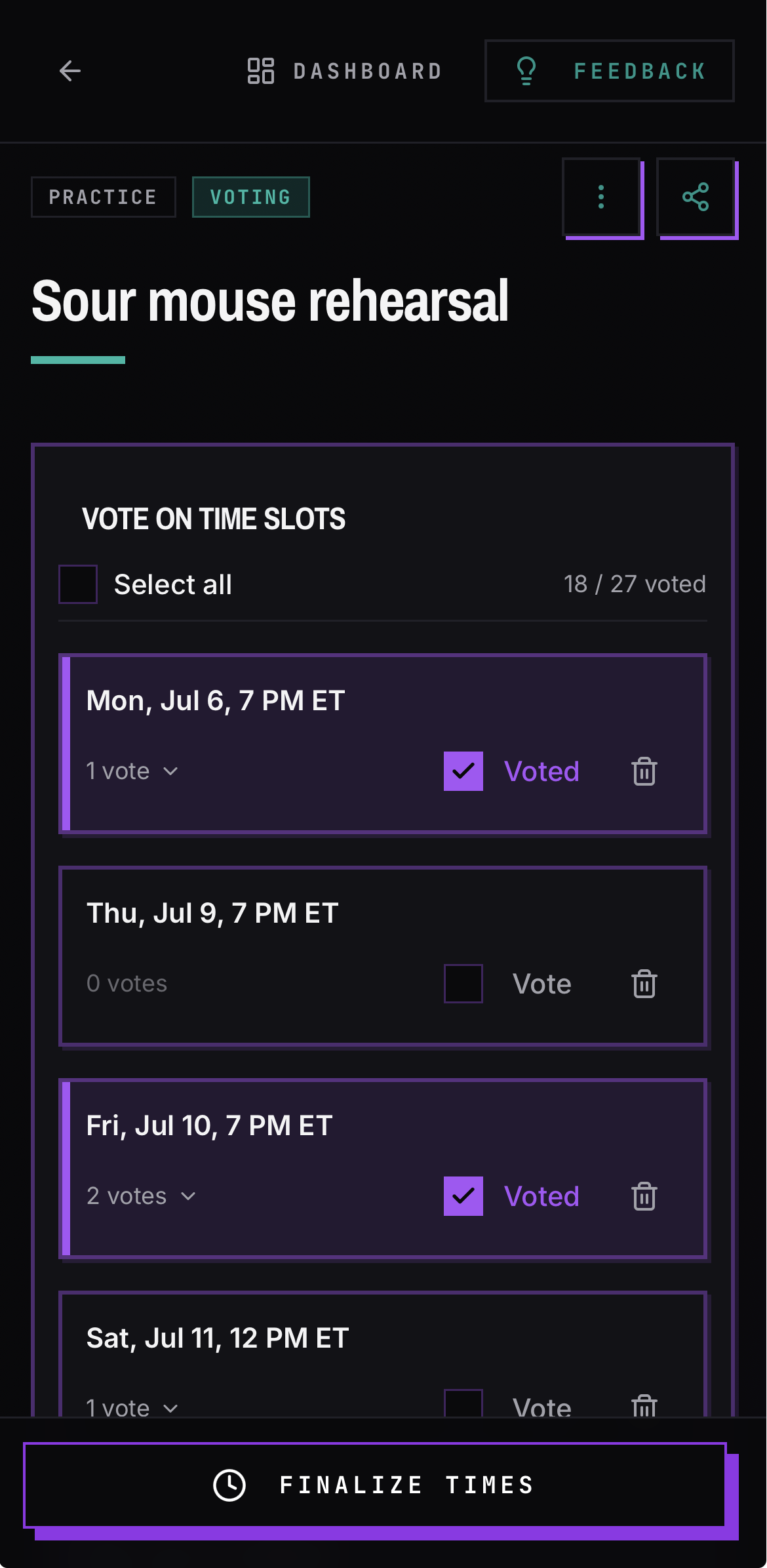
- 02Share the event, then let Members check every slot that works. Votes save as they tap, with a running X / N voted count, a Select all button, and expandable voter names per slot. An Already voted list shows each member's picks.
- 03Then the admin clicks the Finalize button, selects one or more winning slots, and confirms. The event flips to Scheduled and the chosen times show on the event.
- 04Reset Event clears all availability, options, and votes and starts the cycle over.
Good to know
- Admins can run the whole flow without any availability collection: add custom time slots, publish them, let members vote, and finalize. The Generate Options button is just a shortcut that uses the data if you have it.
- Each member sets default availability per band, so playing in two bands does not create false conflicts.
- You can click the copy button after time slots are finalized so that you can share the final practice dates in a group chat.
- Options only appear to members after an admin publishes them.