For Venues
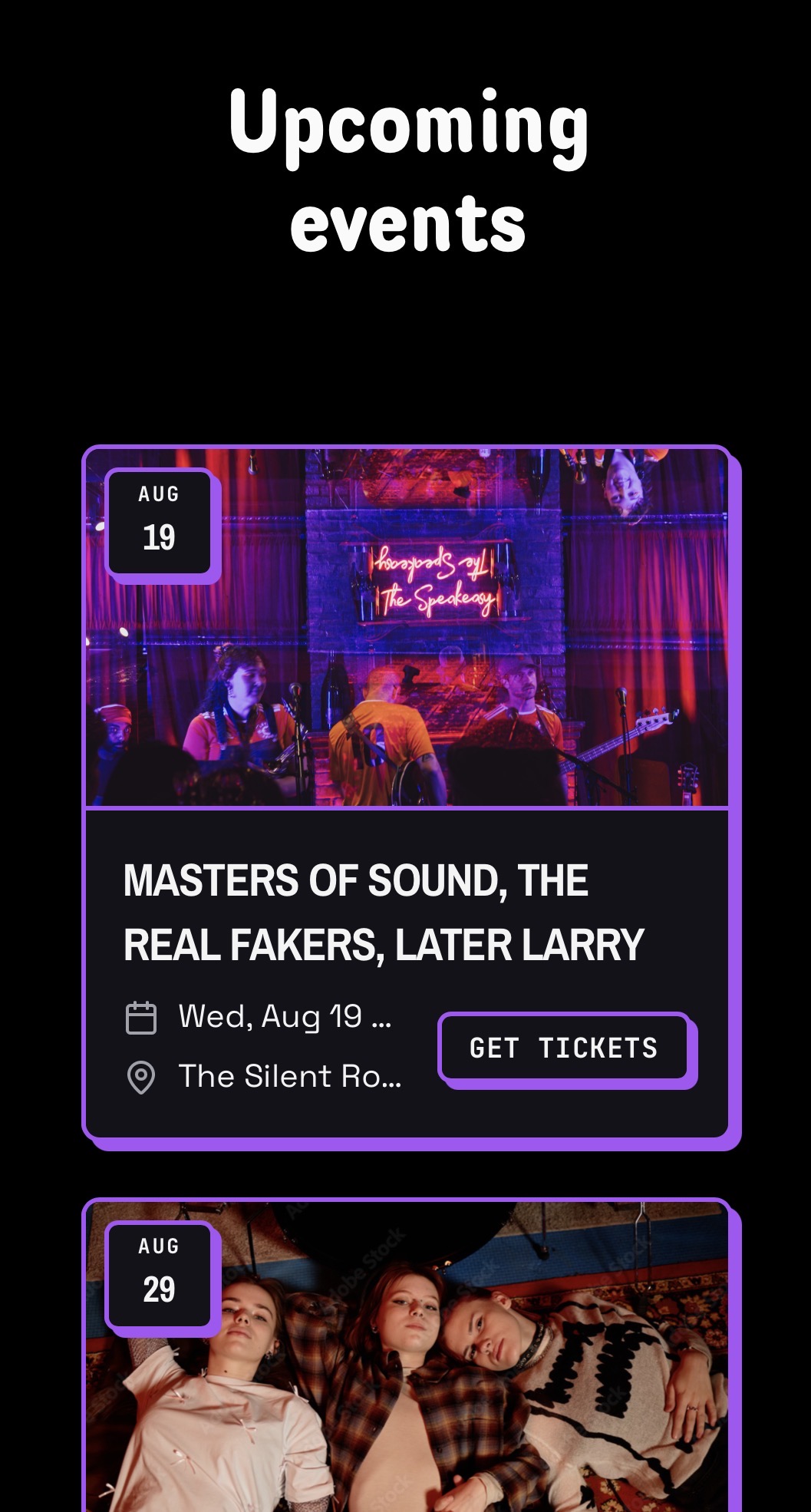
Embed your ticketed event calendar on your website
Copy the event calendar embed snippet into your website. It lists only BANDANA tix ticketed events, so it only works once BANDANA tix is set up for the venue.
This calendar is for ticketed events only. Internal gigs, open mics, jams, and any event without BANDANA tix tickets do not appear here.
Set up BANDANA tix first
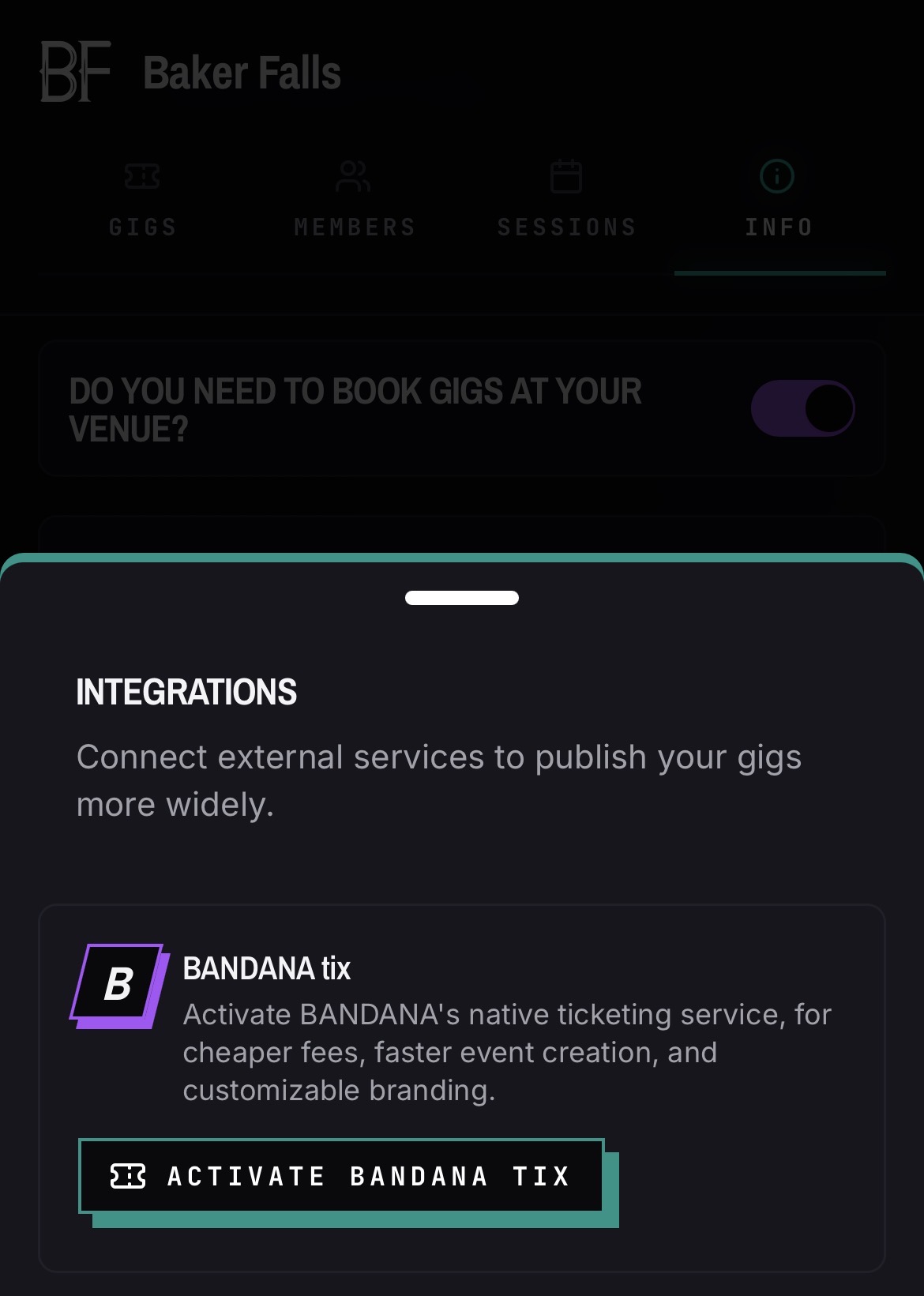
- 01Open your venue and go to the Info tab.
- 02Open the Integrations section and tap Activate BANDANA tix.
- 03Connect your Stripe account and create tickets for the events you want to show.
Embed the calendar
- 01Open your venue and go to the Gigs tab.
- 02At the top of the calendar, tap the Manage tickets button.
- 03Tap the Embed events button and copy the iframe snippet.
- 04Paste the snippet into your website's shows or calendar page.
- 05Publish. New ticketed events you publish in BANDANA appear automatically.
Good to know
- Only events with BANDANA tix tickets are listed. A non-ticketed gig or an internal calendar event will not show up.
- A show disappears from the embed once its calendar day has ended in the venue's local time zone, so tonight's show stays up until midnight.
- The embed uses your venue's public page styling.