For Venues
Open dates and review booking requests
Dates are open by default. Close individual dates that are unavailable or already filled, and set recurring weekly closures for nights you never book. Then review requests on the date they were submitted for and approve or decline.
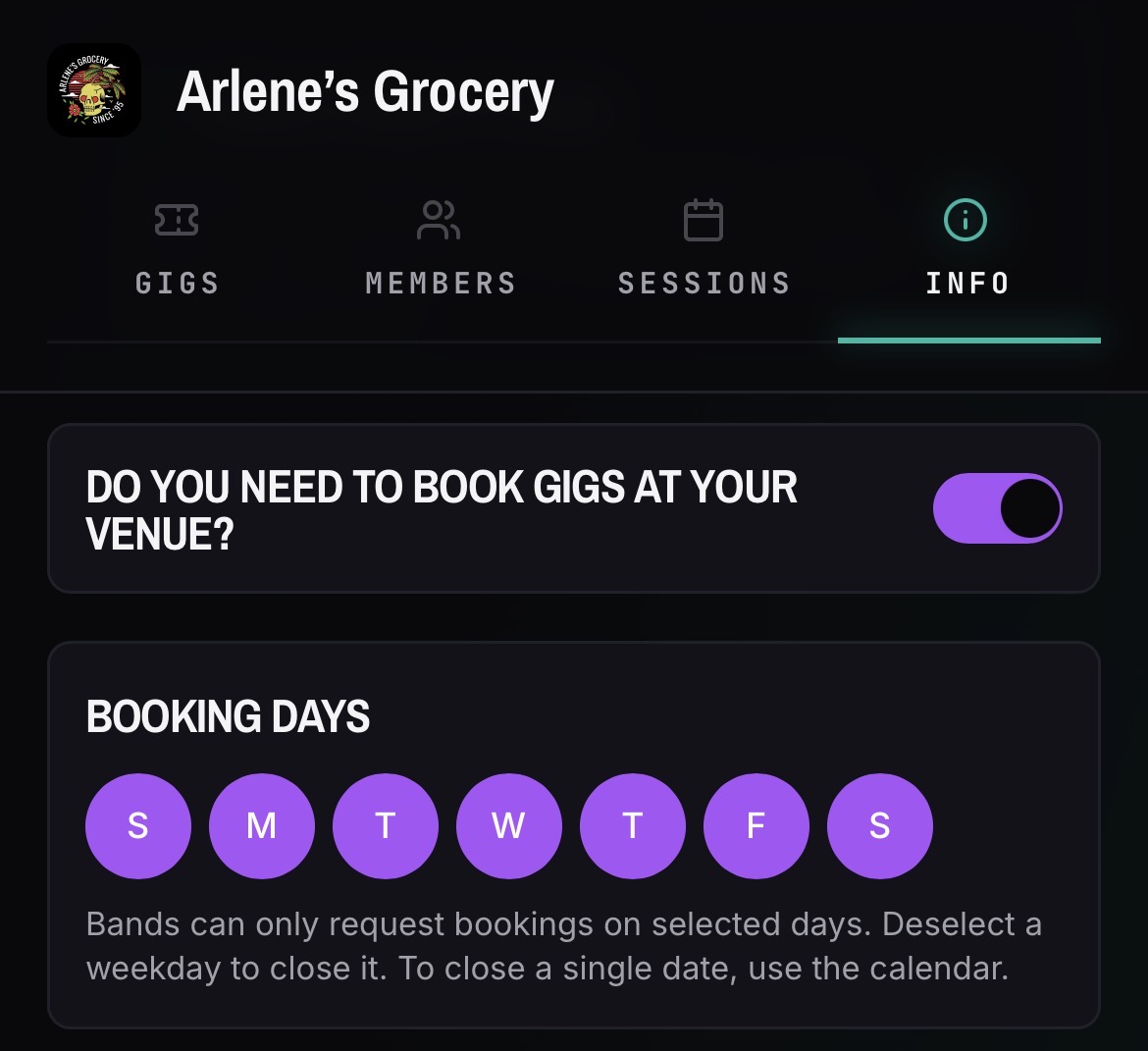
Set which dates are open or closed
- 01Open your venue and go to the Info tab, then open Booking Settings.
- 02Toggle booking on if you want bands to be able to submit requests.
- 03Choose which days of the week are open for booking requests.
- 04Dates are open by default. Toggle individual dates closed when they are unavailable or already filled.
- 05For a night you never book — say, Mondays — set it as a weekly closure at the venue level instead of closing each date one by one.
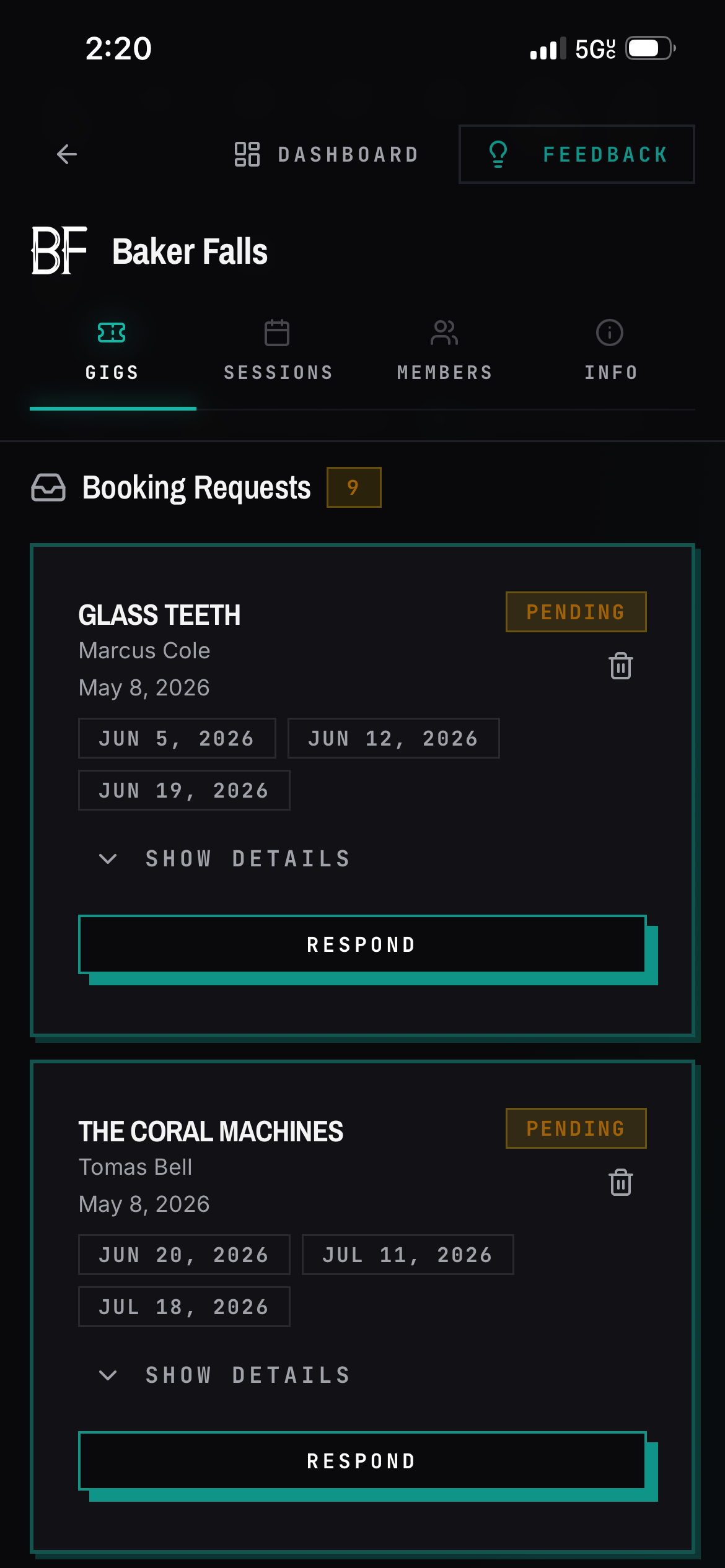
Review requests
- 01Open a date with requests on it.
- 02Read the submission, including any custom fields you configured.
- 03Approve or decline.
Good to know
- Booking Settings live in the Info tab of the venue, not the Gigs tab.
- Approving a request does not create the show. Create the gig yourself when you are ready.
- Turning booking off in venue settings hides the booking surface entirely.
- Dates are open by default. If you do not want a date to be requestable, close it on the calendar or set the whole day as a weekly closure.
- Emails are activity-based: a new request emails the venue's owners and hosts, and approving or declining emails the band contact on the request. See the full list in Emails BANDANA sends you.